KEE-meh · the decisive moment
Hours of footage, cut to the good part
Drop in one long video. Kime finds the moments worth keeping, makes them into one short cut and pulls out full-resolution stills - all on your computer.

 Playing · a moment Kime picked
4:12 / 20:05
Playing · a moment Kime picked
4:12 / 20:05



What Kime is
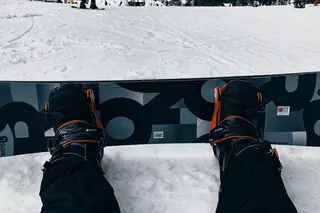

Three steps, none of them scrubbing
Kime watches the whole file at speed, and every moment it picks stays editable - keep it, trim it, or throw it away.
-
Drop the file in
A whole card, a long drone flight, a 20-minute GoPro file. Kime reads it where it sits.
-
Kime picks the moments
Movement, faces, voices, changes in light. Every pick is yours to keep, trim or drop.
-
Out comes a cut and stills
One short video, plus full-resolution stills pulled from the moments it kept.
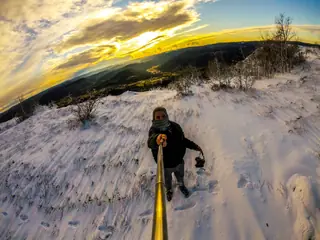

Before and after
One long file in. This comes out.
Forty-eight minutes, watched end to end. The blue stretches are the moments worth keeping - Kime picked seven, you added one.
 The cut
0:48 / 2:10
The cut
0:48 / 2:10
Two minutes of the good part, in order, ready to share.

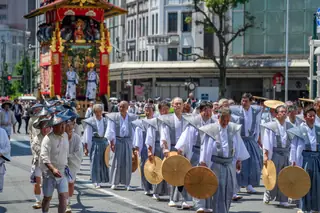


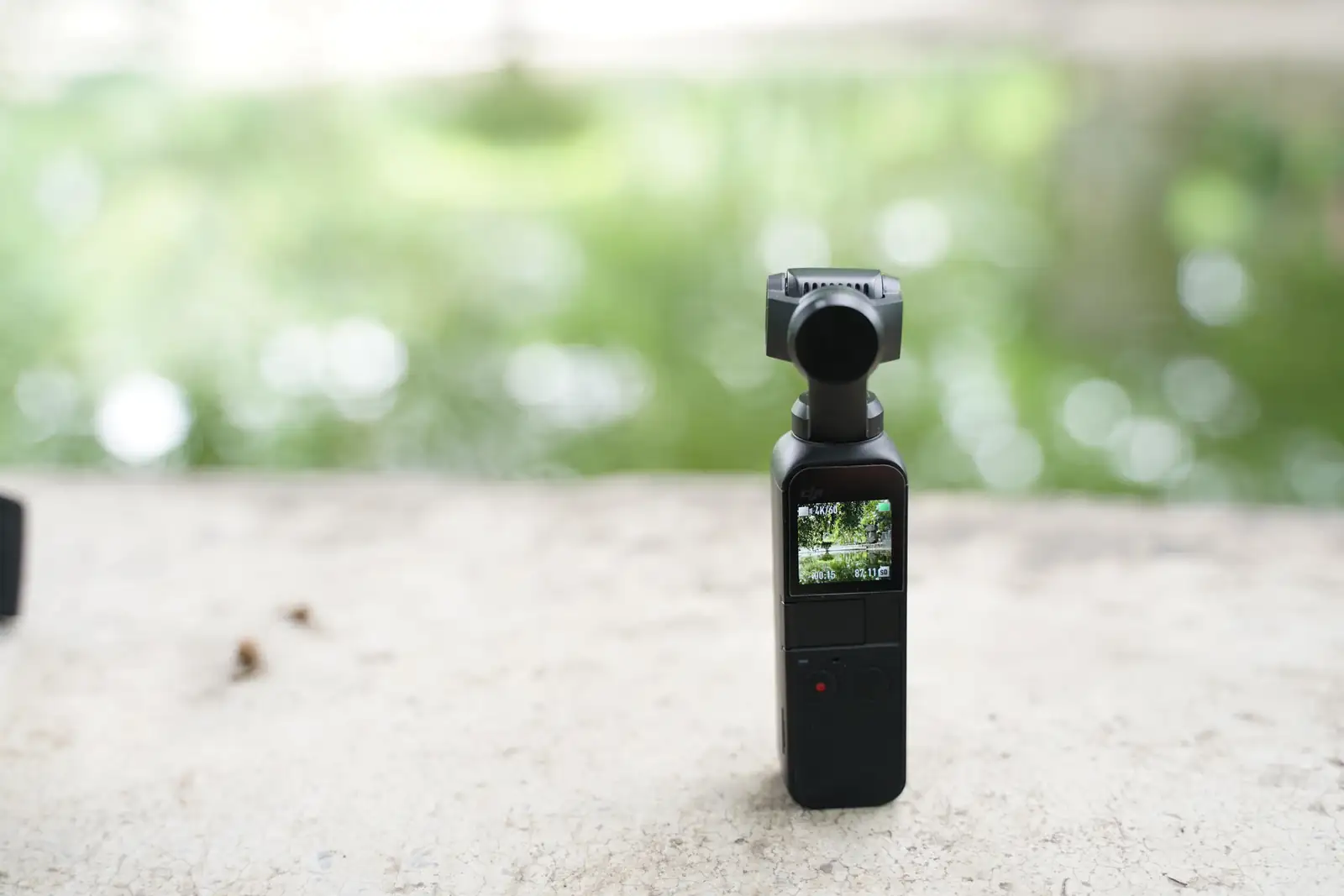
Your video stays on your computer
Kime finds moments itself, on this computer - desktop or phone. No upload, no queue, no account. It works on a plane. Turn the AI on and it sees a text summary of the audio and a few small snapshots, never your video.
- Finding moments
- on this computer
- Video upload
- never
- Account
- not required
- 48 min file, recent Mac
- about 4 min
 1:12
1:12


- AI
- optional
AI is off. Everything happens on this computer.
If you turn it on for a file: Kime will send a text summary of the audio and a few small snapshots to your AI provider, using your own key. It never sends your video.
FAQ
Questions
Anything not answered here is covered in the tester notes, alongside the downloads and the changelog.
Tester notes →-
Finding the moments, the cut and the stills are free, with no account. A paid licence adds the bulk work: whole cards at once, batch imports, your own export presets. Pricing lands with the public release.
-
Your video never is. Kime finds moments itself, on your computer or phone - there is no queue, nothing happens on a server, and nothing reports back. If you turn the AI on for a file, Kime sends a text summary of the audio and a few small snapshots to your AI provider, using your own key, for a second opinion. It never sends your video.
-
MP4, MOV, MKV and INSV files, including H.264, HEVC and ProRes footage. Kime reads files where they sit - it never copies or changes your original.
-
Around four minutes for a 48-minute file on a recent Mac, and roughly twice that on a mid-range Windows laptop. It runs in the background either way, and you can start keeping and trimming moments before it finishes.
-
No. Kime finds moments on its own, from movement, faces, sound and light. The AI is an optional second opinion you turn on for a file - it reads a text summary of the audio and a few small snapshots, never the video. Every moment it suggests is still yours to keep or drop.
One licence, both places
Kime is in private testing on desktop and phone. The desktop app handles long files and card imports; the phone app cuts what you shot on the way home.
Desktop
- macOS
- Windows