
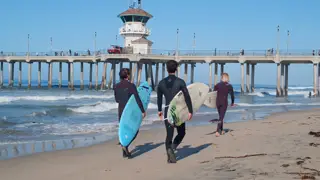

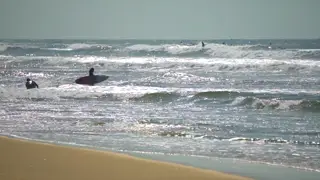
 In · 29 files · 5:08
The cut · 0:45
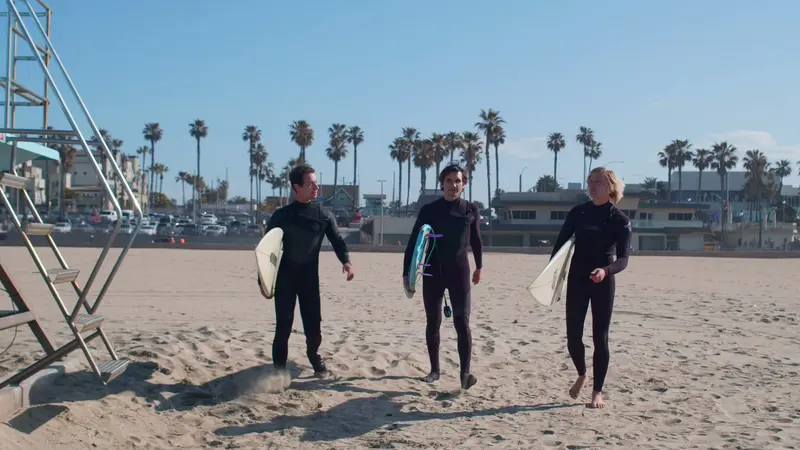

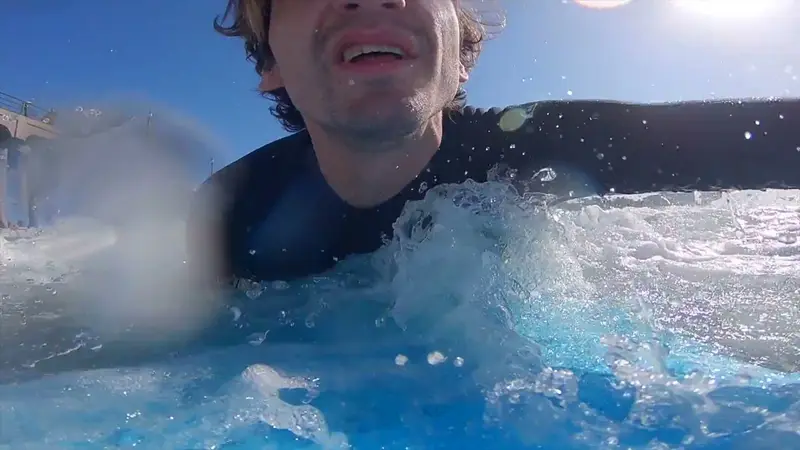
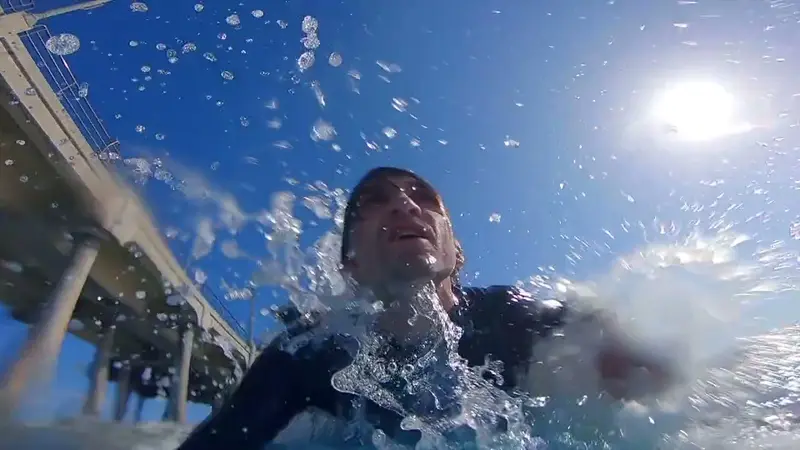
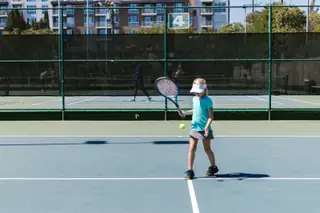
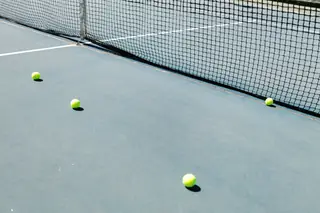
Footage: Kindel Media on Pexels
Drop in a trip, a match, a podcast or a talk. Kime finds the moments worth keeping and makes a highlight cut, captioned clips, or both.
In · 29 files · 5:08
Footage: Kindel Media on Pexels
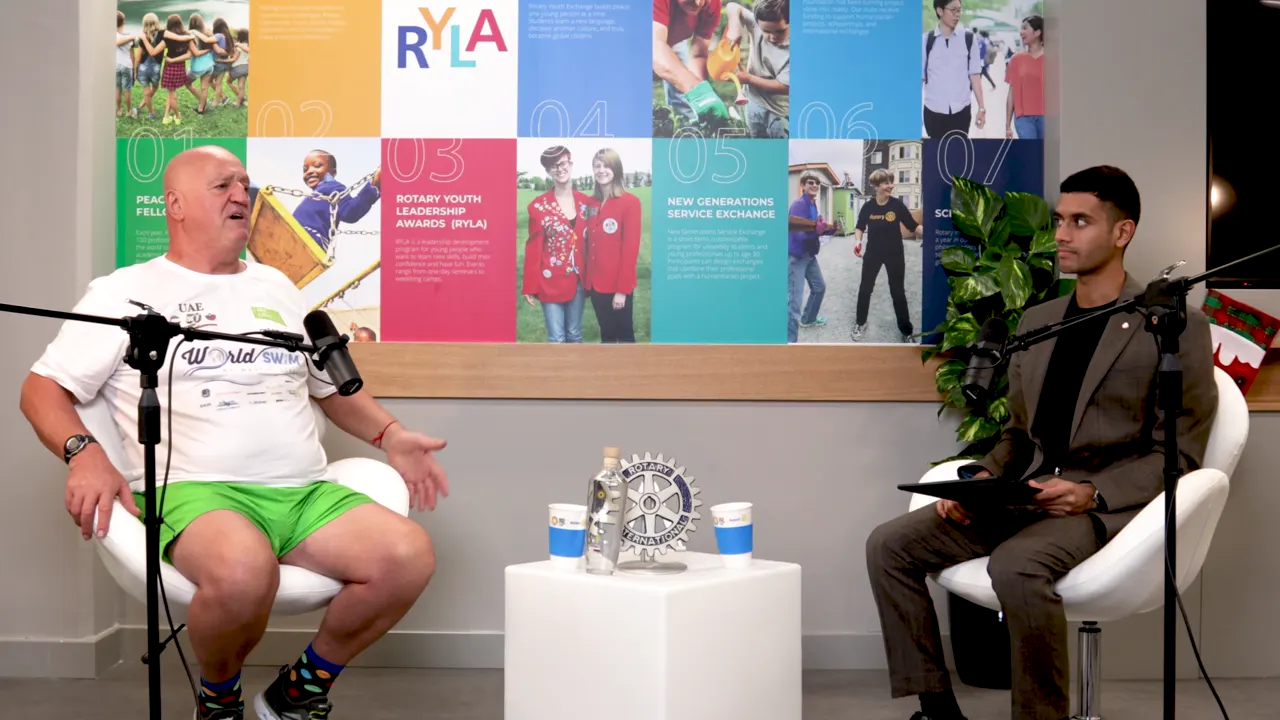

 In · 1 file · 27:29
Podcast: Rotary in Action, Rotary Expo2020, CC BY 3.0

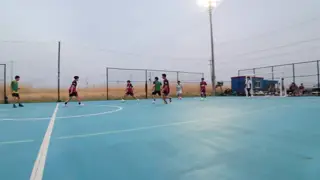


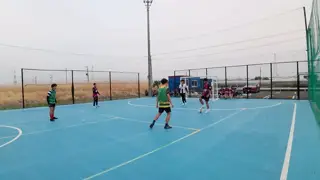 In · 4 files · 2:22




Footage: Messiedo Xadinho on Pexels
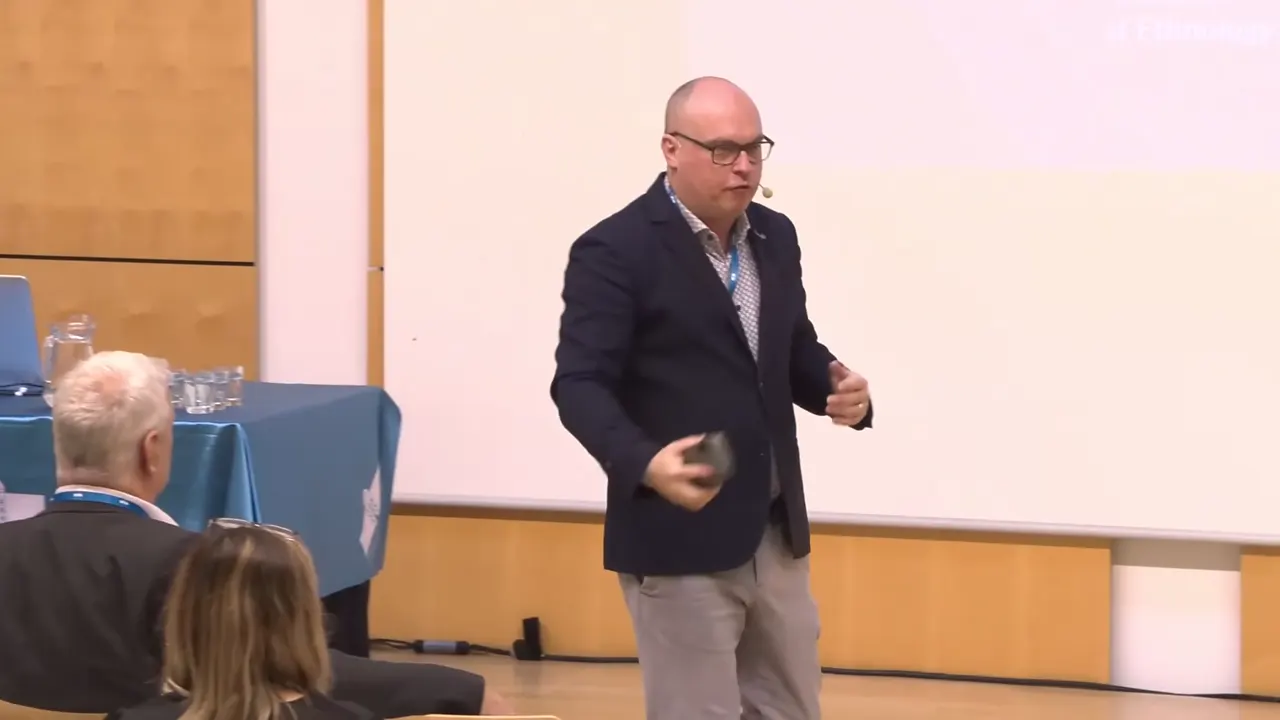

 In · 1 file · 59:18
Keynote: Dan Podjed, UM Library, CC BY 3.0

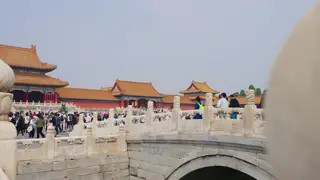
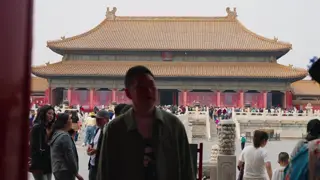

 In · 9 files · 2:24
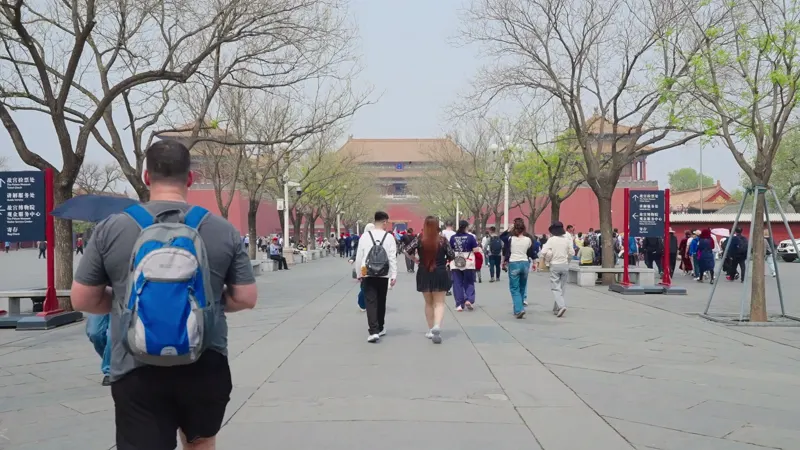
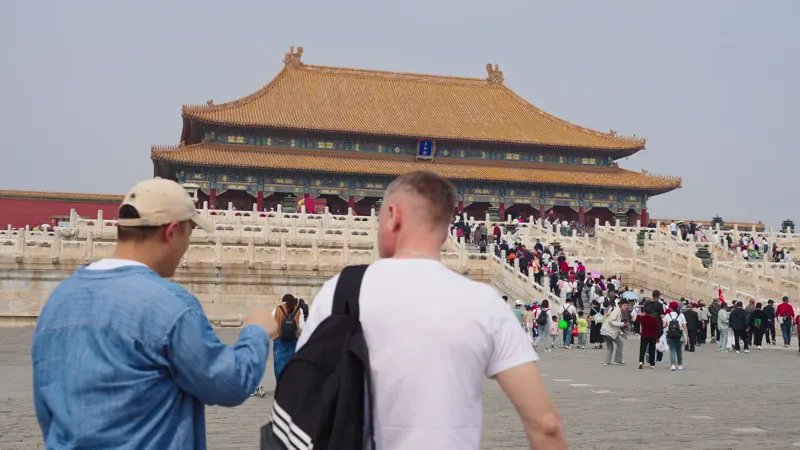
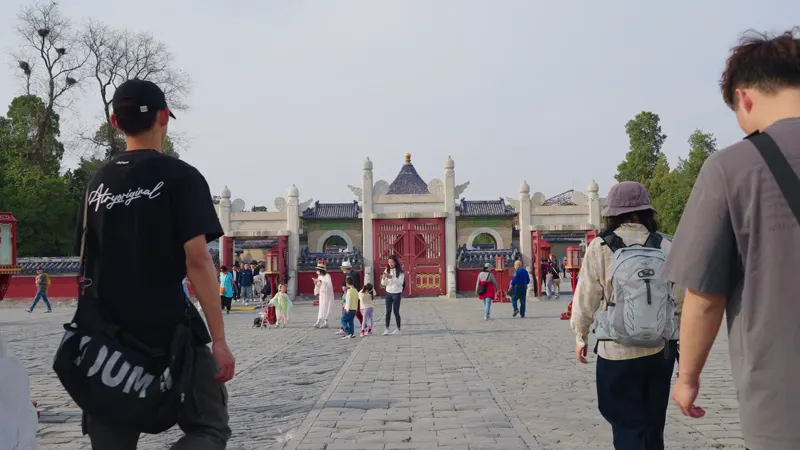

Footage: LayG Traveller on Pexels
One app · two things it makes
Tell Kime what you want on Set up: a highlight cut, clips, stills, or all of them from the same moments.
For your footage
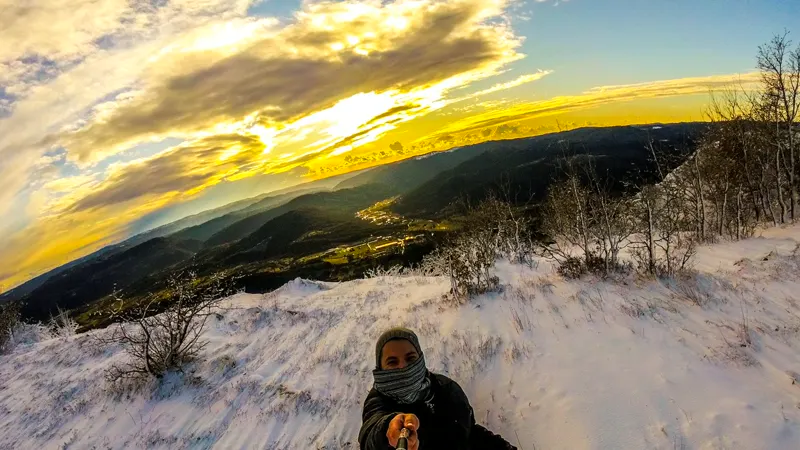
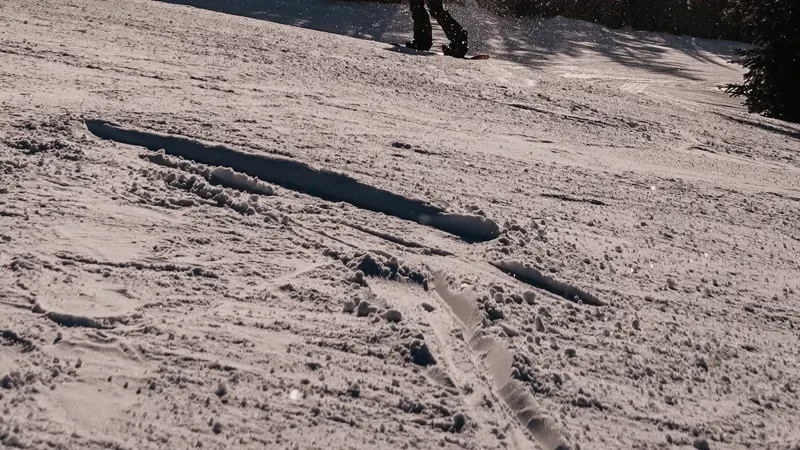
Trips, matches, a day on the mountain. Kime watches the whole file for movement, faces, sound and light, keeps the good part in order, and pulls full-resolution stills from it. No AI needed.


For your talk
Podcasts, streams, talks. Kime finds the stretches that stand on their own and makes each one a 9:16 clip: captions word by word, the hook line over the opening, the crop following whoever is talking, your logo in the corner.
Three clips Kime AI found in a podcast interview, shortened for this page. Podcast: Rotary in Action Podcast, Rotary Expo2020, CC BY 3.0.
Every clip, yours to tune
The same four steps the app shows across its top. Kime watches the whole file at speed, and every moment it picks stays yours to keep, trim or throw away.
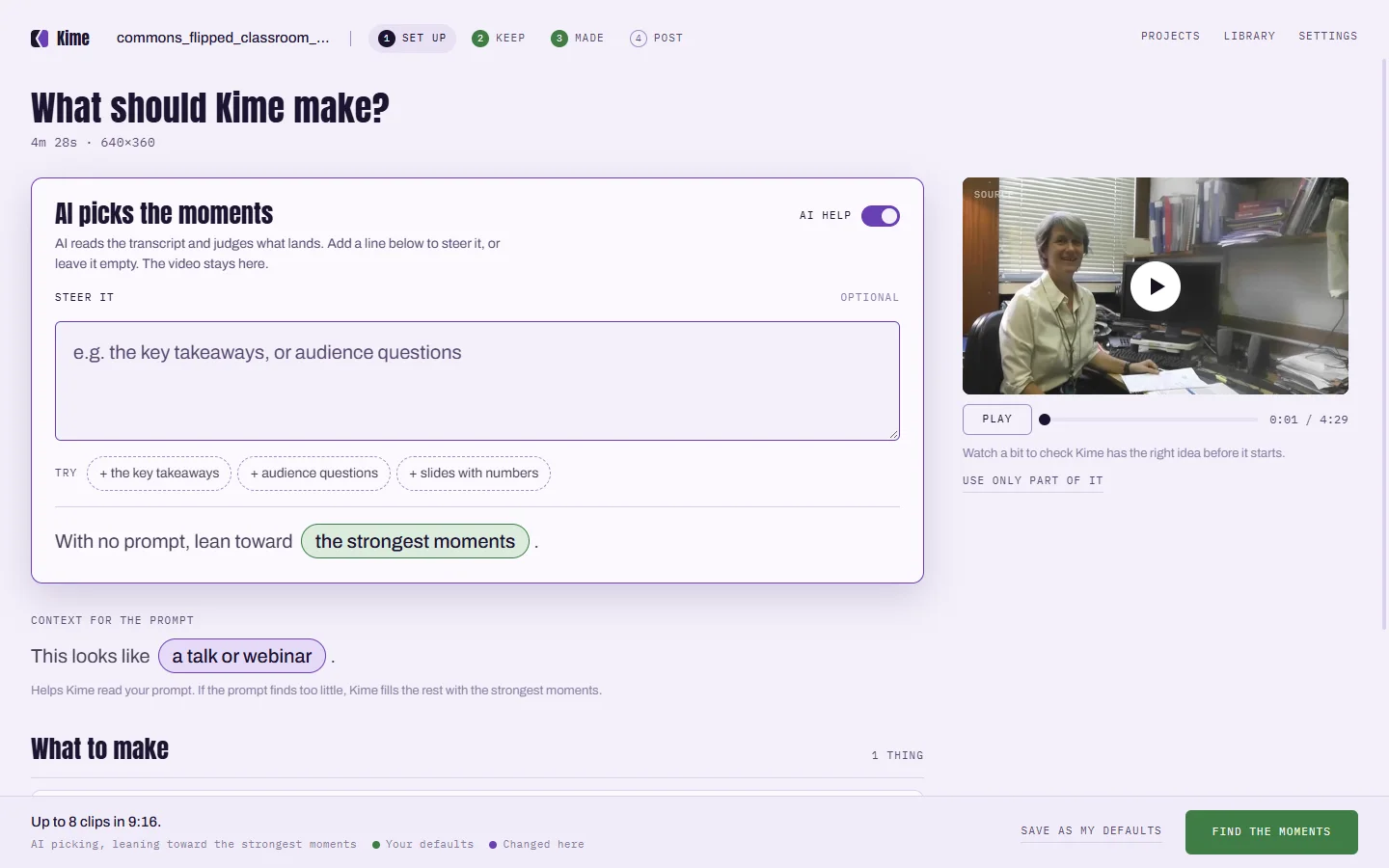
A cut, clips, stills, or all three. Steer it with a line if you like, or leave it to Kime.
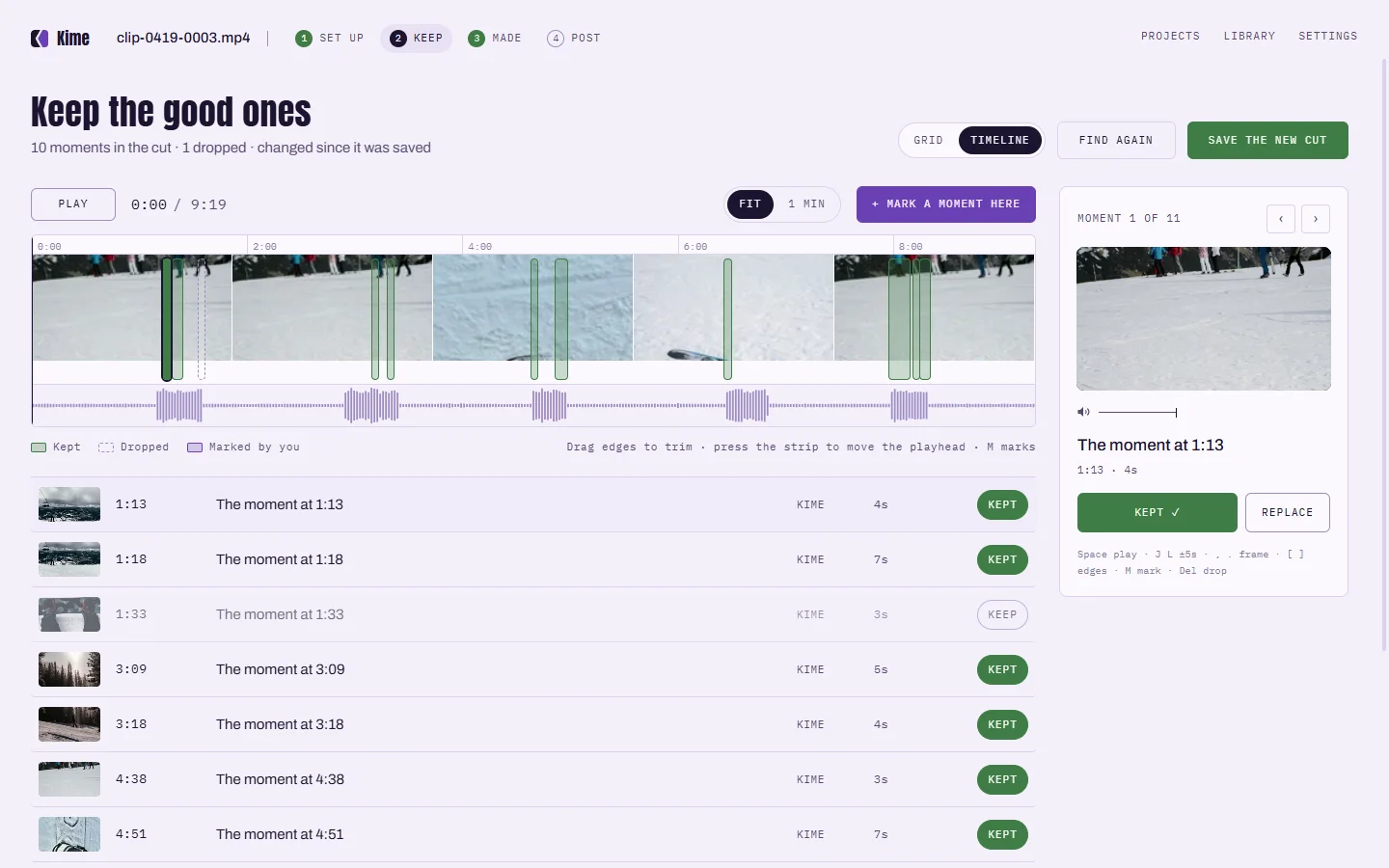
Every moment Kime picked, on the video's timeline. Keep it, trim it, drop it, or mark your own.
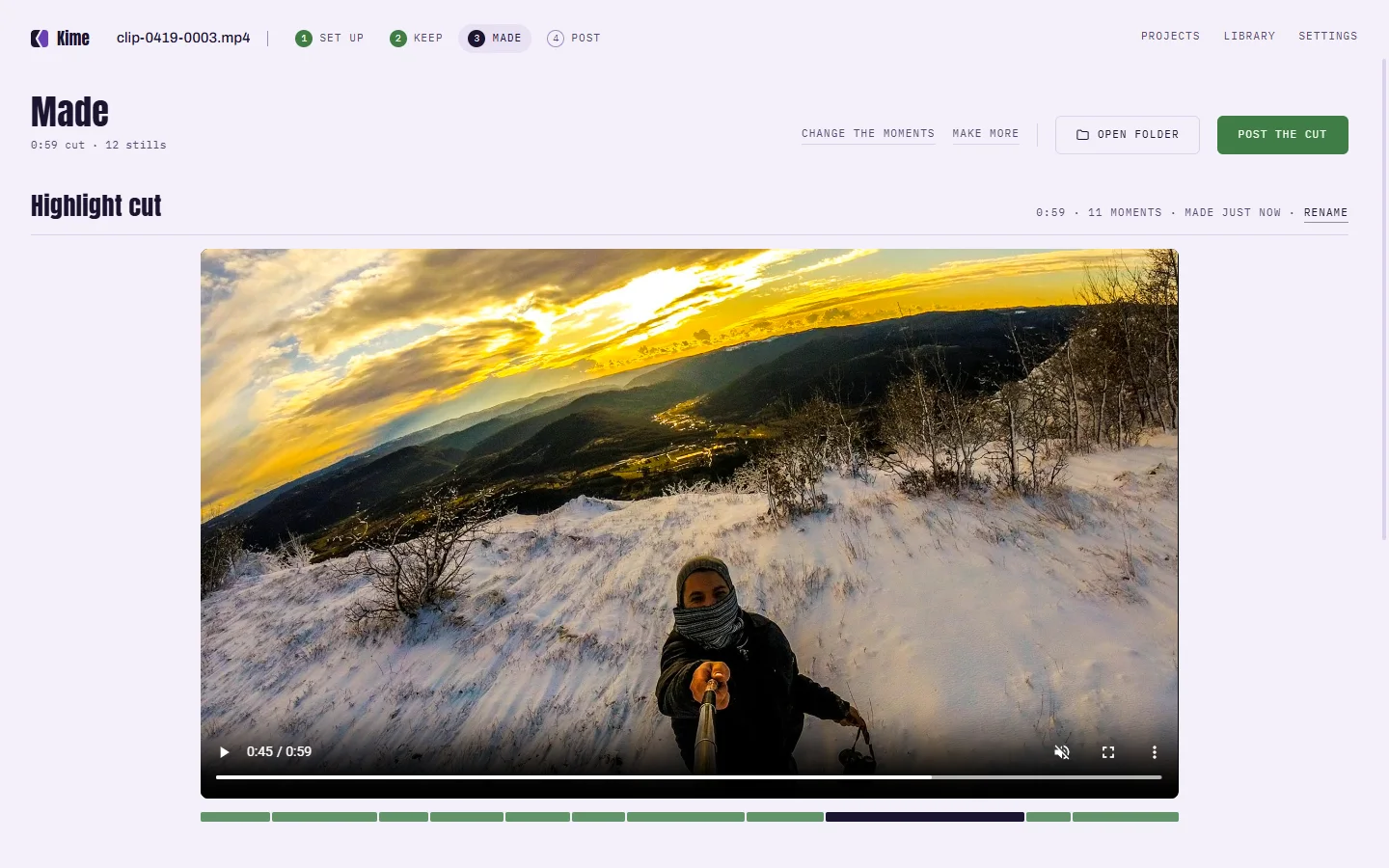
The cut, the clips and the stills, in a folder of the video's own. Kime starts making while you choose.
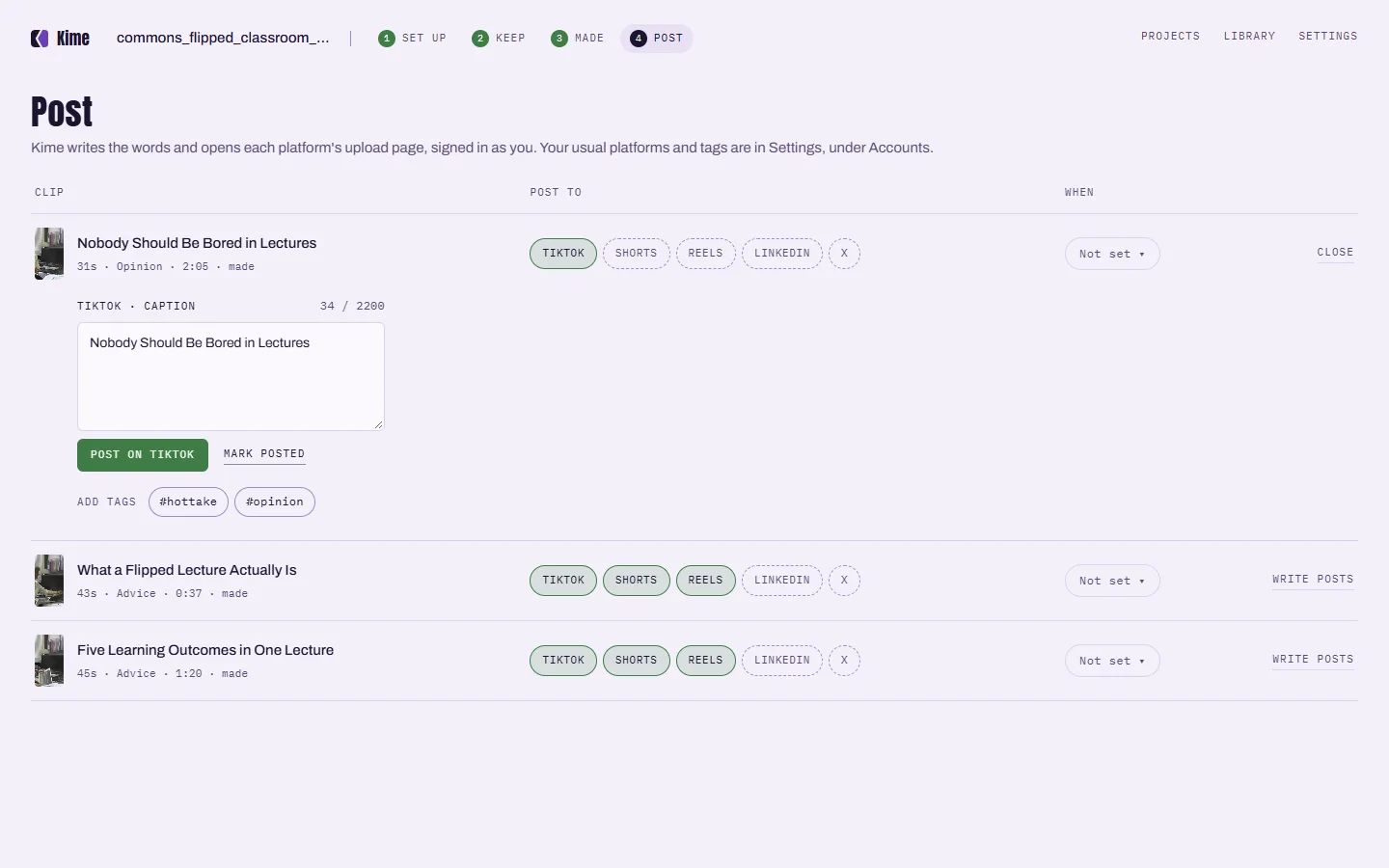
Kime writes the words for each platform and opens its upload page, signed in as you.
Before and after
Forty-eight minutes, watched end to end. The green stretches are the moments worth keeping: Kime picked seven, and the lilac one is yours.
 The cut
0:48 / 2:10
The cut
0:48 / 2:10
Two minutes of the good part, in order, ready to share.



Kime finds moments itself, on this computer. No upload, no queue, no account, no credits. It works on a plane. Turn the AI on and it sees the words Kime heard and a few small snapshots, never your audio or video.
 1:12
1:12


If you turn it on for a file: Kime still finds moments on this computer. With Kime AI, it also sends the words it heard and a few small snapshots to the AI, to choose better ones and write their titles. It never sends your audio or your video.
Pricing
Everything Kime does on your computer is free, for as long as you like. Kime AI is an optional subscription for when you want the AI to choose and write.
Kime
Free
Everything on your computer
Kime AI
Monthly · price at public release
Everything in Kime, plus the AI
Cloud clipping tools charge for every minute you upload, then delete what they made. Kime never sees your video, so there is nothing to meter and nothing to hold back.
FAQ
Anything not answered here is covered in the tester notes, alongside the changelog.
Tester notes →Yes. Everything Kime does on your computer is free: finding the moments, highlight cuts, captioned clips, stills and the editor. No watermark, no account, and nothing expires. Kime AI is an optional monthly subscription for when you want the AI to pick the moments and write the titles; its price lands with the public release.
Yes. Every video goes through the same four steps, and on Set up you choose what comes out: a highlight cut, clips to post, stills, or all of them from the same moments.
Your video never is. Kime finds moments itself, on your computer - there is no queue, nothing happens on a server, and nothing reports back. If you turn the AI on for a file, Kime sends the words it heard and a few small snapshots to the AI, through Kime AI, for a second opinion. It never sends your audio or your video.
MP4, MOV, MKV and INSV files, including H.264, HEVC and ProRes footage. Kime reads files where they sit - it never copies or changes your original.
Around four minutes for a 48-minute file on a recent Mac, and roughly twice that on a mid-range Windows laptop. It runs in the background either way, and you can start keeping and trimming moments before it finishes.
No. Kime finds moments on its own, from movement, faces, sound and light, and makes cuts and captioned clips without it. The AI is an optional second opinion you turn on for a file - it reads the words Kime heard and a few small snapshots, never the audio or video. Every moment it suggests is still yours to keep or drop.
Nothing is uploaded, so there is no upload to wait for, no file-size cap and no credits counted per minute. Your clips have no watermark, never expire and stay yours if you stop paying. And Kime reads movement as well as speech, so it works on action footage, not only on people talking.
Kime is in private testing on Windows and Mac. It handles long files and whole card imports, and everything it does on your computer is free.