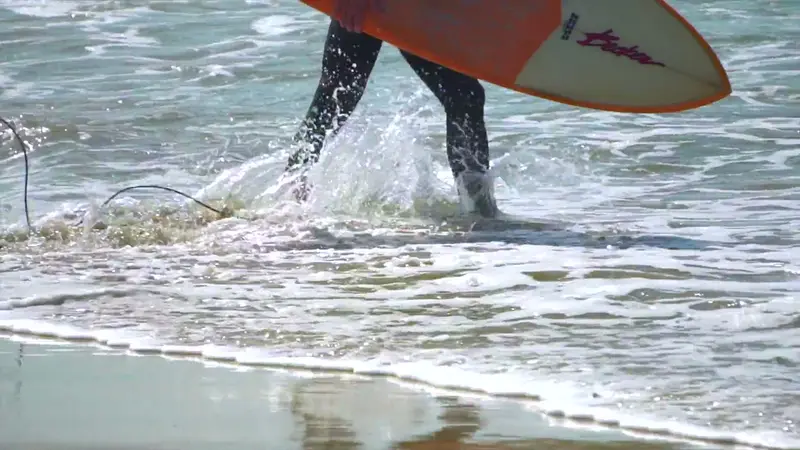
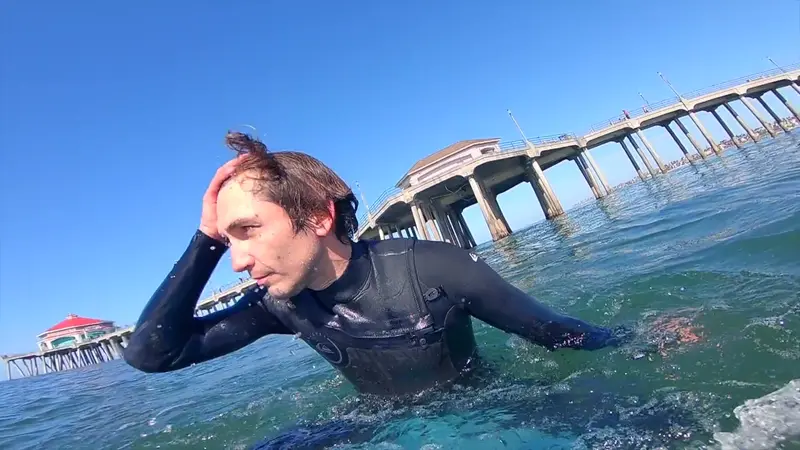
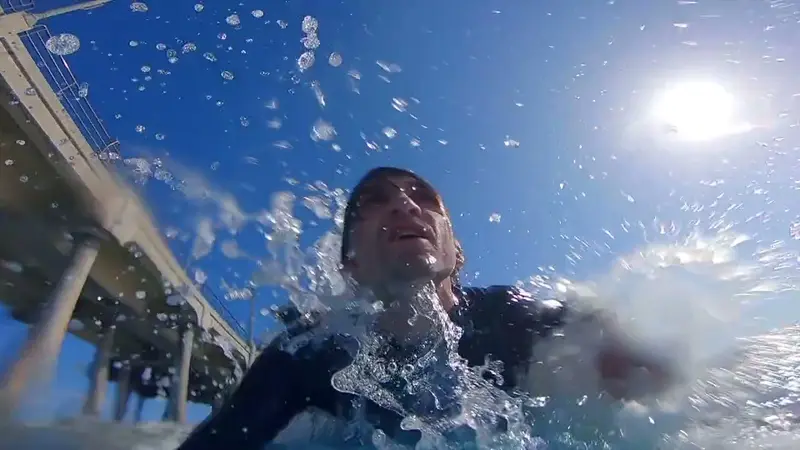
Stills
Full-resolution stills
The best frames, pulled at the camera's own resolution rather than screenshots of a preview.
For GoPro & action cameras
Drop in the whole card. Kime watches every file for movement, faces, sound and light, keeps the moments worth keeping, cuts them together in order and pulls full-resolution stills. No scrubbing, no upload, no AI needed.
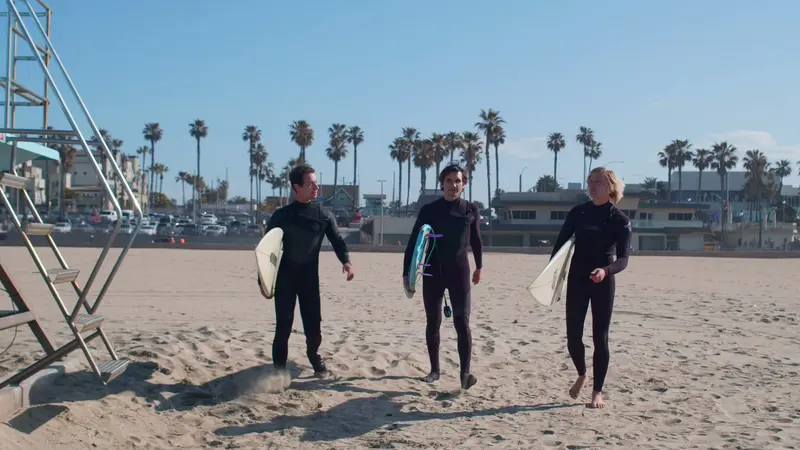
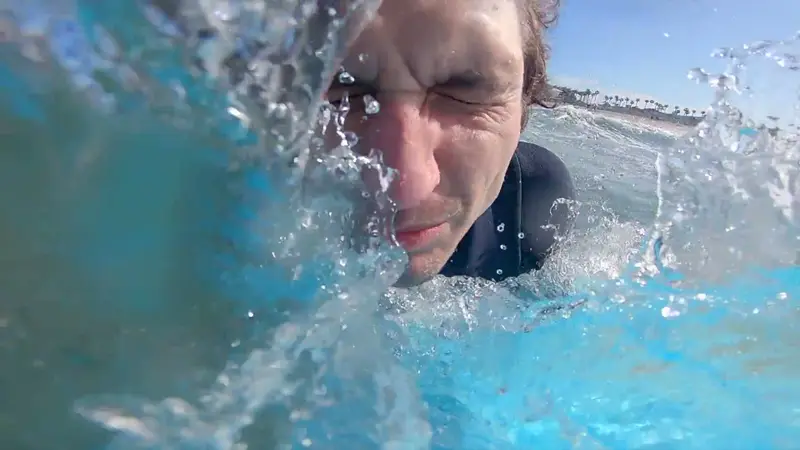
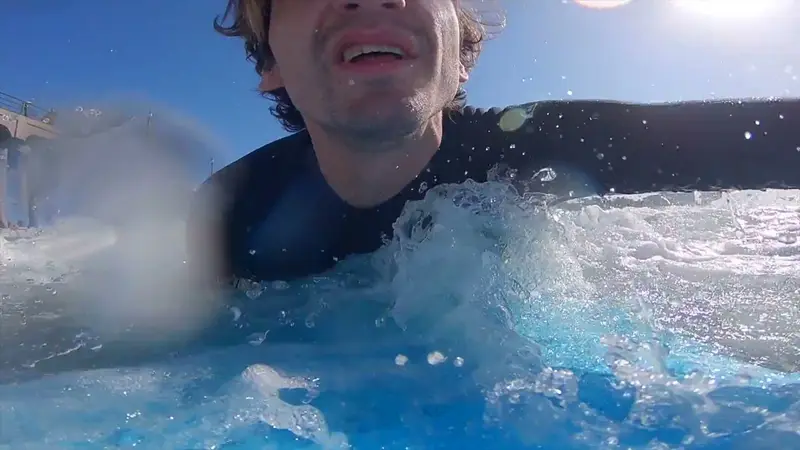
What comes out
One run, from the card to a folder: the cut, the stills, and clips if you want them.
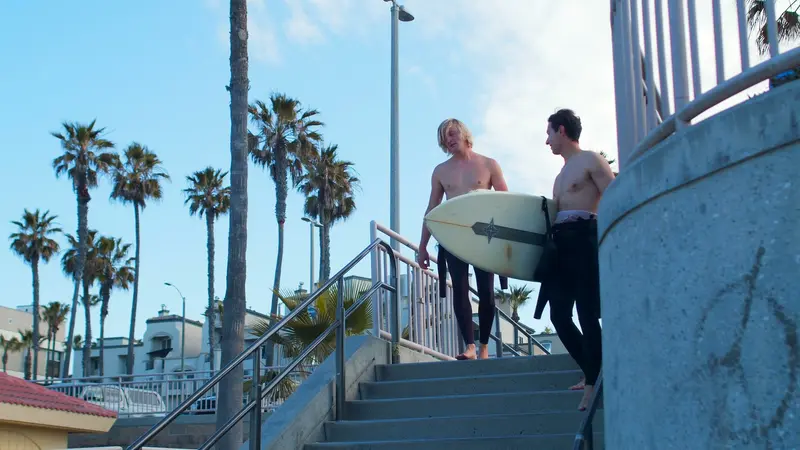
Stills
The best frames, pulled at the camera's own resolution rather than screenshots of a preview.


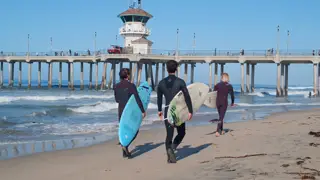
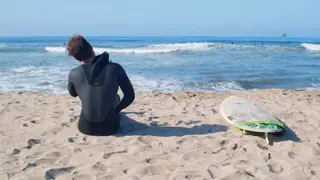
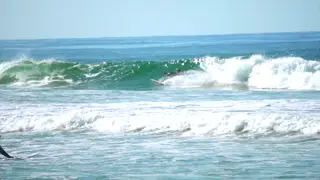
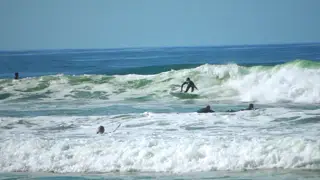
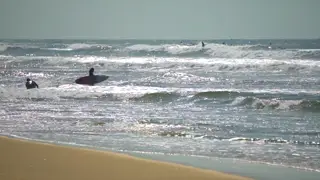
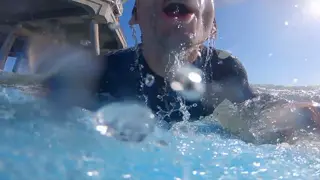

The whole card
Twenty-nine short files from one camera become one video, in the order they were filmed. Kime reads them where they sit and never copies or changes them.
surf morning/
├─ Highlight cut/
│  └─ surf morning.mp4   0:45
├─ Stills/
│  ├─ still-01.jpg   1920×1080
│  └─ … 8 stills
└─ Clips/
One folder
The cut, the stills and any clips land in a folder of the video's own.
Clips too
The same moments as 9:16, 1:1 or 16:9 clips for Reels, Shorts or TikTok.
Not just talking
Most clipping tools listen for speech. Kime watches the picture too, so it finds the wave, the jump and the view.
How it works
The same four steps the app shows across its top. Every moment Kime picks stays yours to keep, trim or throw away.
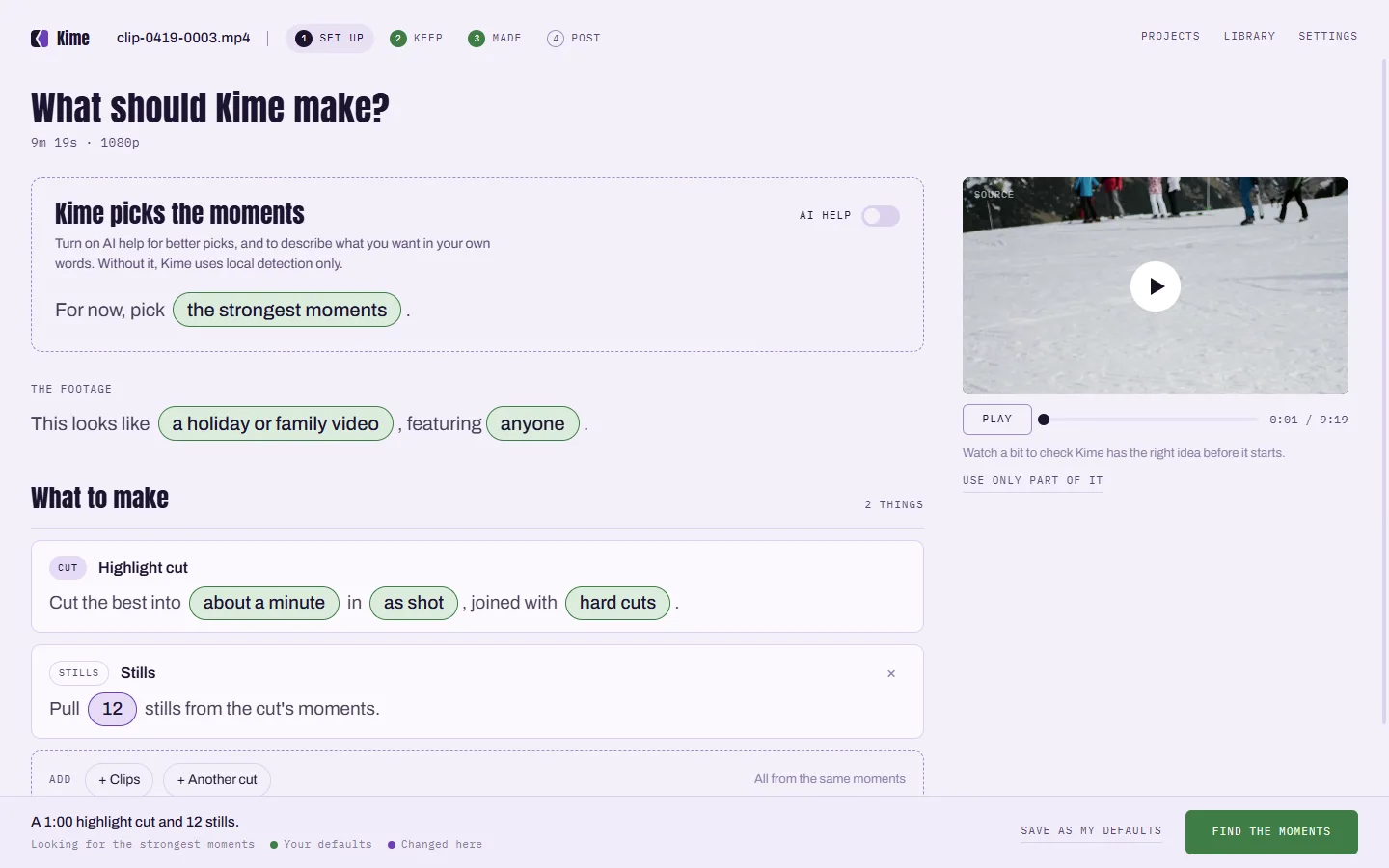
Drop in a file or a whole card. Choose a highlight cut, stills, clips, or all of them.
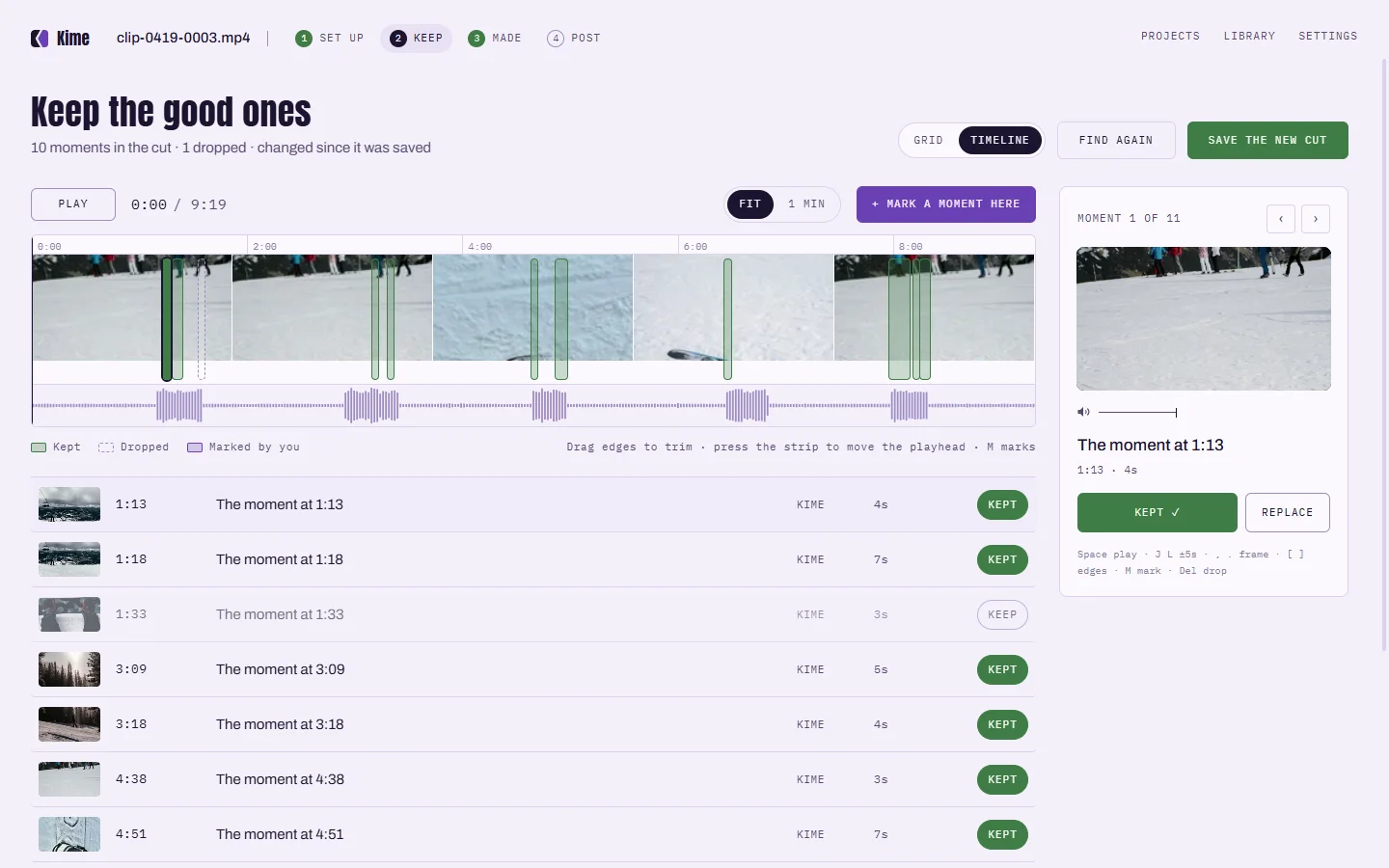
Every moment Kime picked, on the video's timeline. Keep it, trim it, drop it, or mark your own.
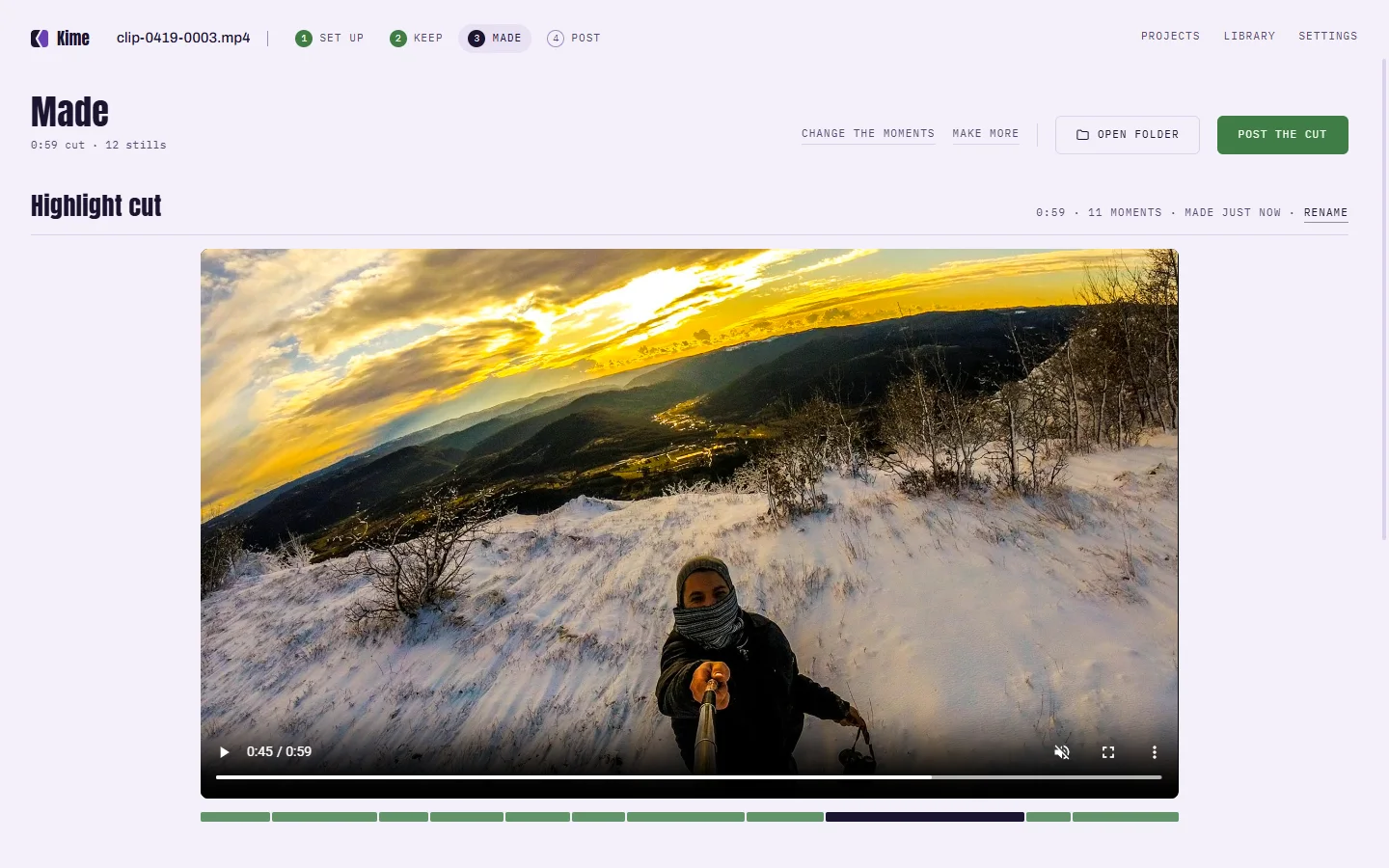
The cut and the stills, in one folder. A 48-minute file takes about four minutes on a recent Mac.
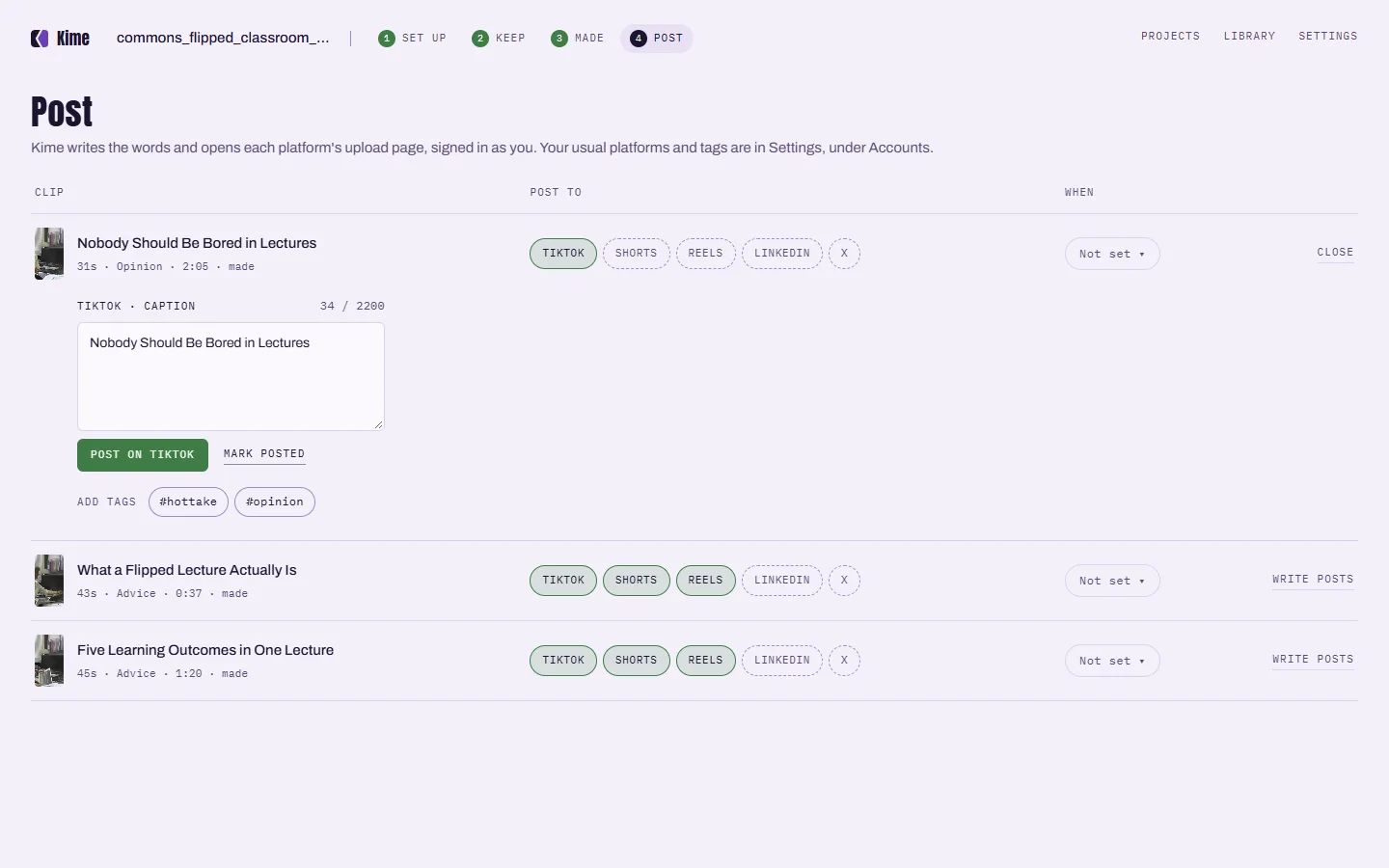
Kime writes the words for each platform and opens its upload page, signed in as you.
On your computer
Kime finds the moments itself, on your own computer. No upload, no queue, no account and no credits counted per minute. It works on a plane. Turn the AI on for a file and it sees the words Kime heard and a few small snapshots, never your audio or your video.
Yes. Kime reads the MP4 and HEVC files GoPro cameras record, including long 4K files, straight from where they sit. It never copies or changes the original.
Kime reads MP4, MOV, MKV and INSV files, including H.264, HEVC and ProRes footage, which covers Insta360 and most DJI cameras.
Yes. Kime handles long files and whole card imports: a day split across many files goes in at once and is read as one video, in the order it was filmed.
No. Kime finds moments on its own, from movement, faces, sound and light, and makes the cut and the stills without it. The surf cut on this page was made with AI off.
No. Your video stays on your computer. Kime finds the moments and makes the cut on your own computer, so there is no upload, no queue and no file-size cap.
Yes. Everything Kime does on your computer is free: highlight cuts, stills, clips and the editor. No watermark, no account, and nothing expires.
Kime is in private testing on Windows and Mac. Everything it does on your computer is free, and your video stays there.
One email when it ships. Nothing else, and no list to unsubscribe from.