Descript is a full editor whose files live in its cloud, with clip-making built in. Kime does one job, finding the moments and making clips and cuts, on your own computer, free, without your video leaving it.
Highlight cuts and stills from movement, faces, sound and light.
DescriptIts pages make no claim about it
Side by side
Kime and Descript, line by line
What each one does with your video, what it costs, and what it keeps. Descript's side is taken from its own pricing page and help centre.
Kime and Descript compared, row by row, with who has the edge on each
What
Kime
Descript
Where it runs
Kime has the edgeOn your computerOn your computer. Your video is never uploaded.
Desktop and web, files in its cloudA desktop app (macOS 14 or Windows 11 and newer) and a web app. Files are stored in Descript's cloud.
Price
Kime has the edgeFreeFree on your computer. Kime AI is an optional monthly subscription, priced at public release.
Free, then $16 to $65 a monthFree; Hobbyist $16–$24, Creator $24–$35, Business $50–$65 a person a month, depending on annual or monthly billing; Enterprise custom.
How use is counted
Kime has the edgeNot countedIt isn't, on your computer. Kime AI has a monthly allowance in hours of video.
Media minutes + AI creditsMedia minutes uploaded or recorded each month (Free 1 hour, Hobbyist 10, Creator 30, Business 40), plus AI credits. Unused minutes and credits don't roll over.
Watermark
Kime has the edgeNoneNone.
On the free planOn exports from a free account.
File size
Kime has the edgeNo capNo cap: Kime reads the file where it sits.
1GB to 50GBUp to 1GB per file on Free, 10GB on Hobbyist, 20GB on Creator, 50GB on Business.
Export quality
Kime has the edgeSource resolutionUp to the source's own resolution.
720p on the free plan720p on the free plan.
Finding clips
EvenPicks them itselfKime picks the moments itself, free; Kime AI can pick them from what was said.
EvenUnderlord picks themUnderlord, its AI, picks the most viral-worthy moments.
Shapes
Even9:16, 1:1, 16:99:16, 1:1 and 16:9.
Even9:16 and 1:1 presetsPortrait (9:16) and square (1:1) presets for clips.
Speaker-following crop
Kime has the edgeYesYes.
In betaCenter active speaker, in beta.
Footage with no talking
Kime has the edgeHighlight cuts + stillsYes. Kime finds moments from movement, faces, sound and light, and makes highlight cuts and stills.
No claim madeDescript's own pages make no claim about it.
Your content and AI training
EvenNever sent, never trained onYour video is never sent. With AI on, Kime sends the words it heard and a few small snapshots; our AI provider doesn't train on them.
EvenNot trained on, it saysDescript says its models in use are trained on no user data, and research uses only data from users who opt in.
Posting
Kime has the edgeFive platformsTo YouTube, Instagram, a Facebook Page and LinkedIn; to TikTok as a draft.
YouTube, from the web appDirect export to YouTube from the web app (not Shorts).
Available
Private testingIn private testing, Windows and Mac.
Descript has the edgeNowNow.
Nothing here under that filter.
Who has the edge on each row is our call, made from each side's own pages. Turn on the detail to see exactly what each one says.
You want clips and highlight cuts without uploading a thing
Your footage is long or large: a 4K day, an hour-long episode, a full lecture
You want to keep what you make, with no watermark and no minutes to count
You film action as well as talk
Choose Descript if
You want a full editor, with the clips as one part of it
You want to start today: Kime is still in private testing
You work across computers and want files in the cloud
Your team already edits in Descript
Made by Kime
What it made, on these pages
Every clip and cut here came out of Kime, from openly licensed footage.
Talk
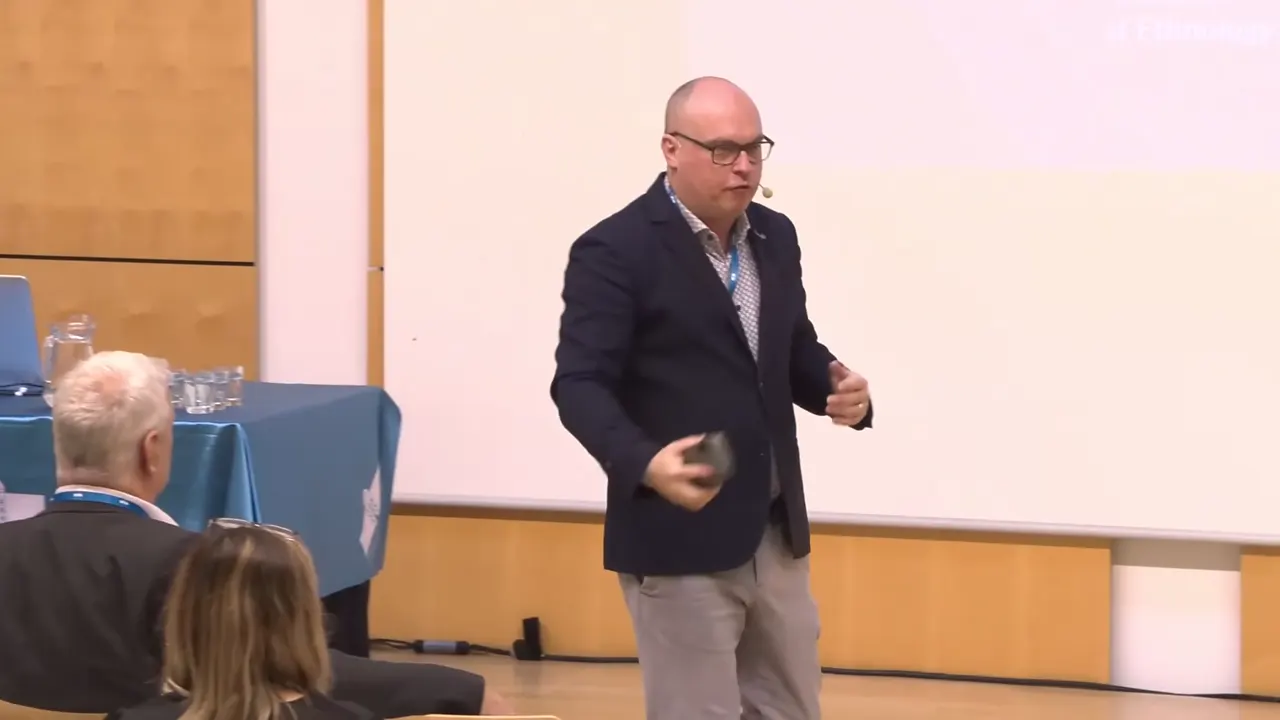
Captioned clips from a keynote
8 clips from a 59:18 keynote, following the speaker across the stage.
Action
A highlight cut from a surf morning
29 files and five minutes in, a 45-second cut and 8 stills out, with the AI off.
On your computer
Your video stays on your computer
Kime finds the moments itself, on your own computer. No upload, no queue, no account and no credits counted per minute. It works on a plane. Turn the AI on for a file and it sees the words Kime heard and a few small snapshots, never your audio or your video.
Finding moments
on this computer
Video upload
never
Account
not required
Watermark
none
48 min file, recent Mac
about 4 min
FAQ
Questions
Anything else, ask: one person reads hello@kime.video.
For making clips and highlight cuts from long video, yes. Kime does that one job on your own computer, free, without uploading your video. Descript is a wider editor whose files live in its cloud.
No. Your video stays on your computer. If you turn on Kime AI for a file, Kime sends the words it heard and a few small snapshots to the AI, never the audio or the video.
Yes. Everything Kime does on your computer is free: finding clips, captions, the editor, highlight cuts and stills. Kime AI is an optional monthly subscription, priced at public release.
No watermark, and clips come out at up to the source's own resolution.
Kime is in private testing on Windows and Mac. Email hello@kime.video and we will write once, when it is out.
In private testing
Free, on your computer
Kime is in private testing on Windows and Mac. Everything it does on your computer is free, and your video stays there.