

Captions
Word by word, in your colour
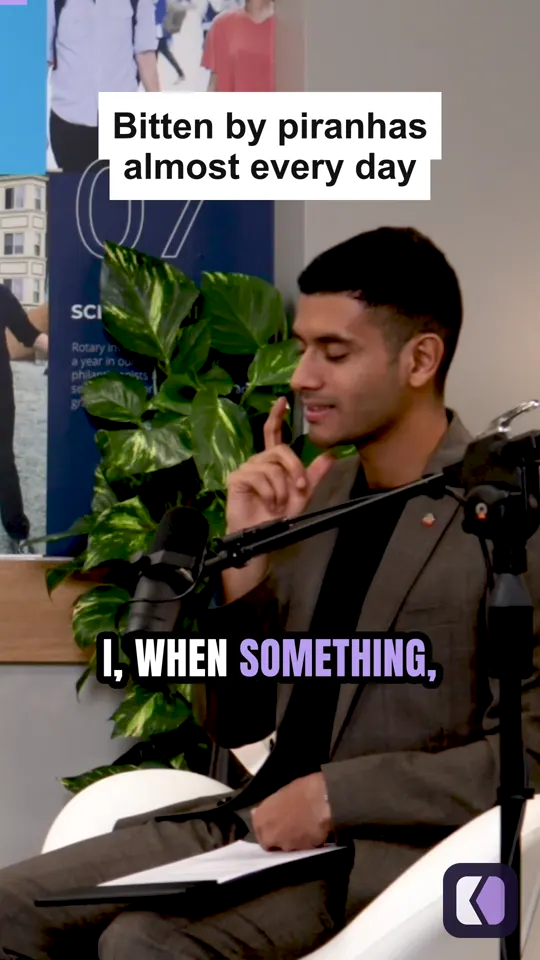
Five caption styles, four sizes and your highlight colour. The word being said lights up as it is said.
For podcasts & streams
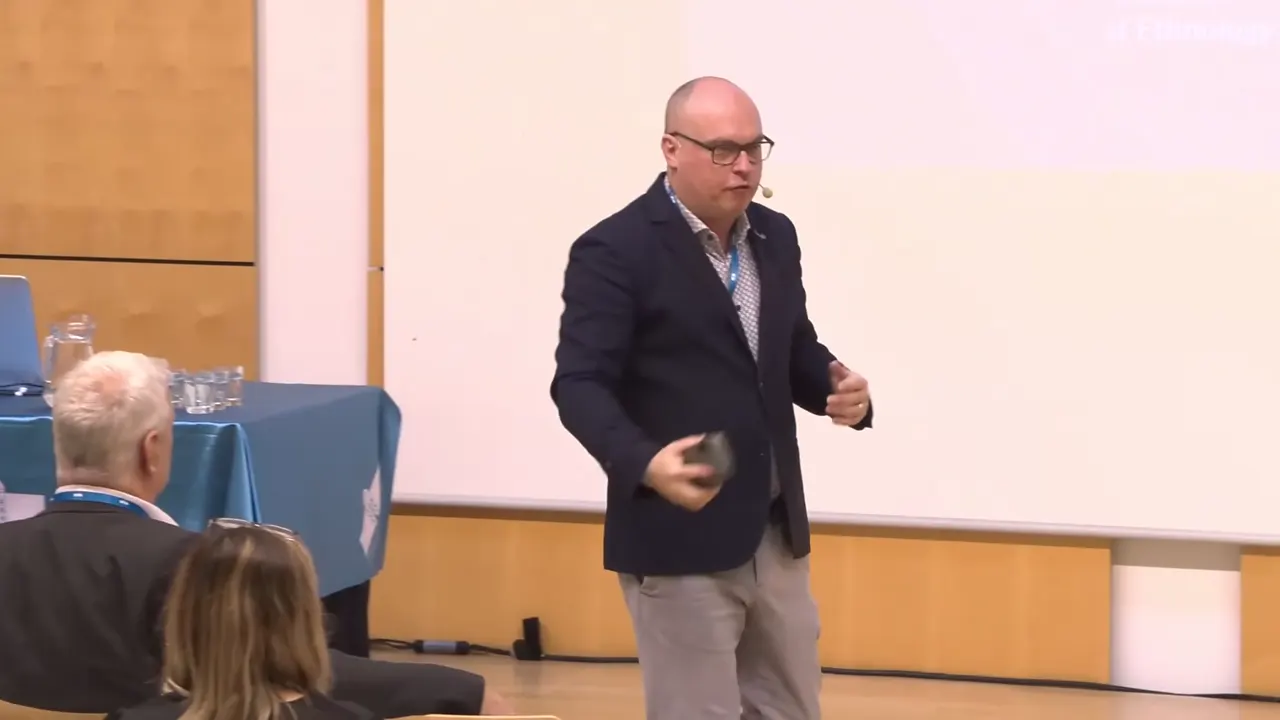
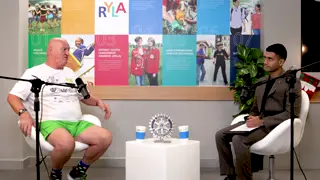
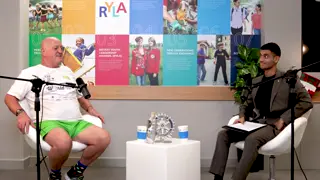
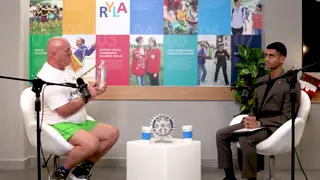
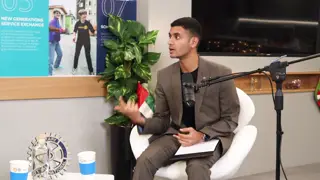
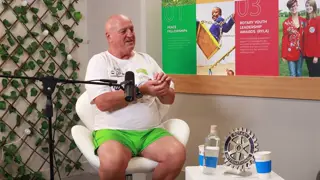
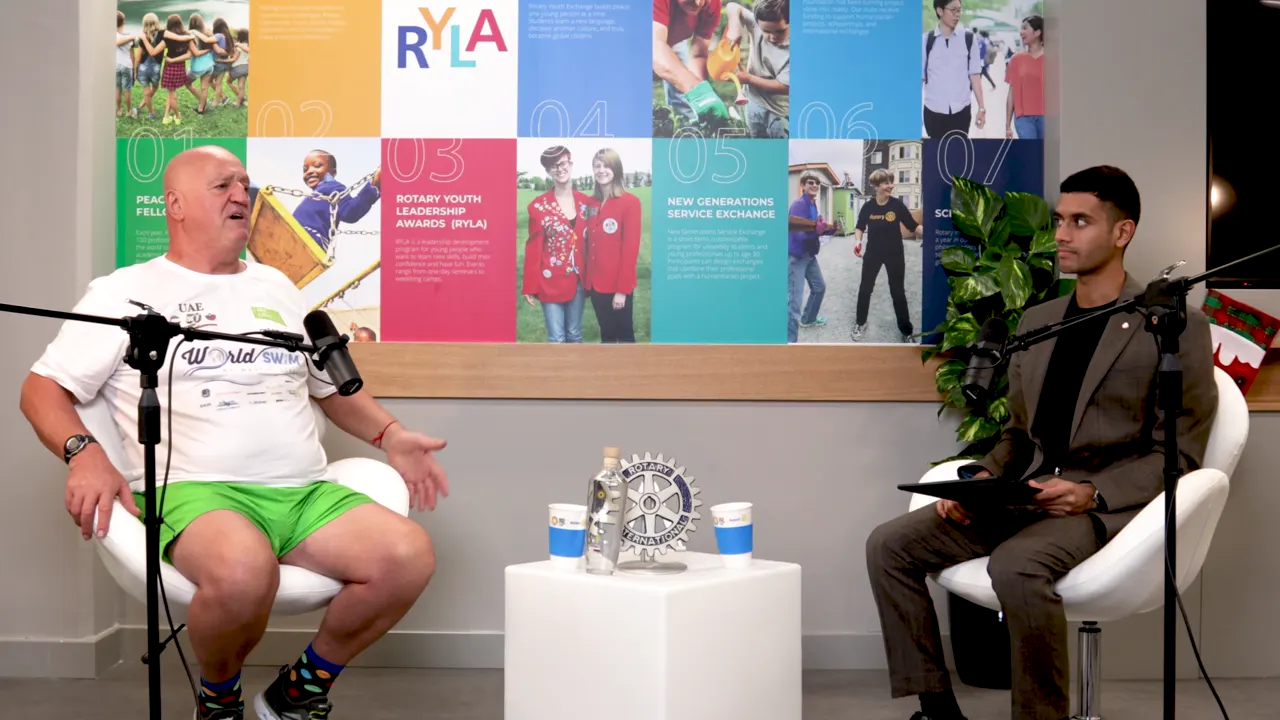
An hour-long episode, a stream, an interview. Kime finds the stretches that stand on their own and makes each one a clip: captions word by word, the hook over the opening, the crop following whoever is talking, your logo in the corner.
What comes out
Every clip comes out finished, and every part of it stays yours to change.
Captions
Five caption styles, four sizes and your highlight colour. The word being said lights up as it is said.
Reframe
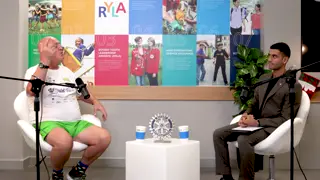
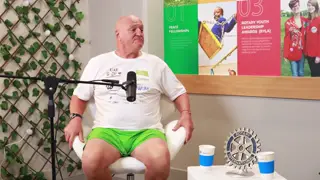
Kime keeps whoever is talking in a 9:16 frame, or holds a fixed centre, or shows the whole shot over a blur.
06 Bitten by piranhas almost every day.srt
1
00:00:00,000 --> 00:00:00,800
You know, when

2
00:00:00,800 --> 00:00:01,640
I, when something,
Caption files
The words of each clip, timed, for YouTube or anywhere else that takes captions.
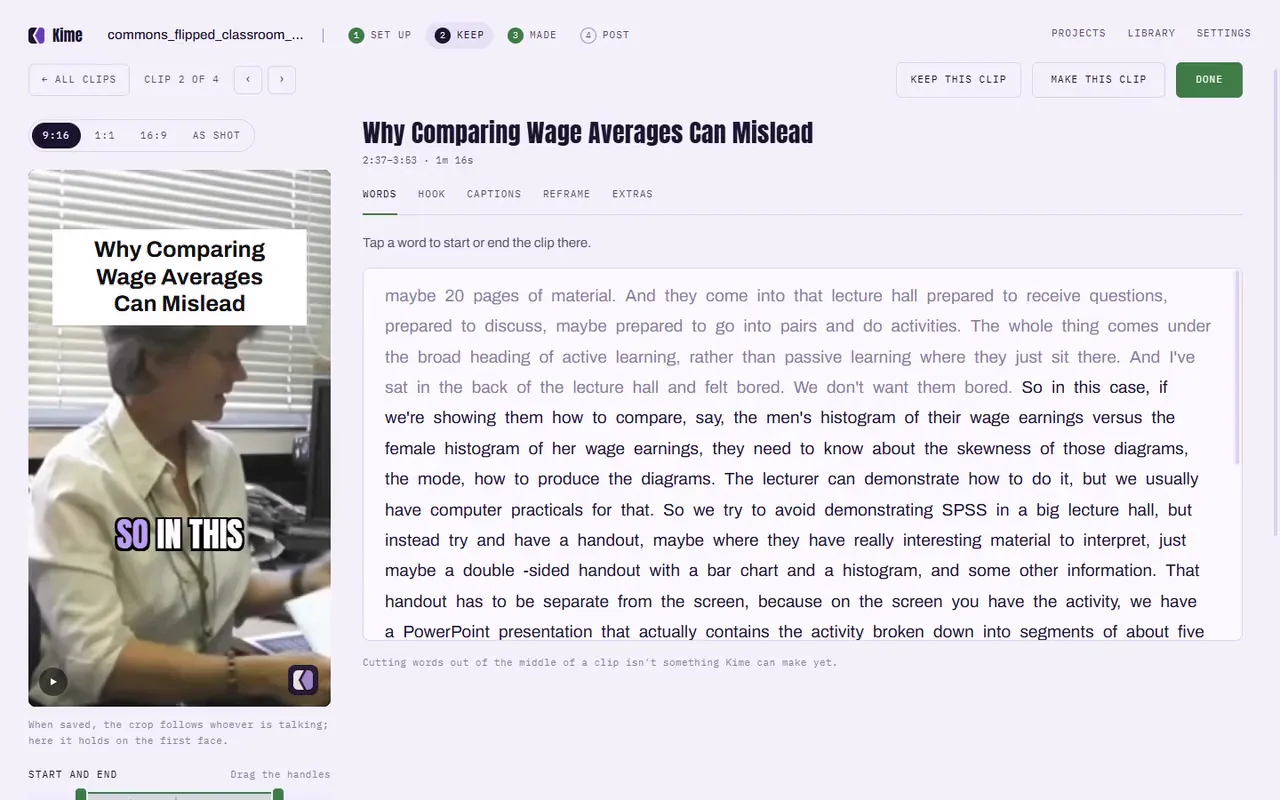
Trim by the words
The editor shows what was said. Start or end a clip on any word, without scrubbing.
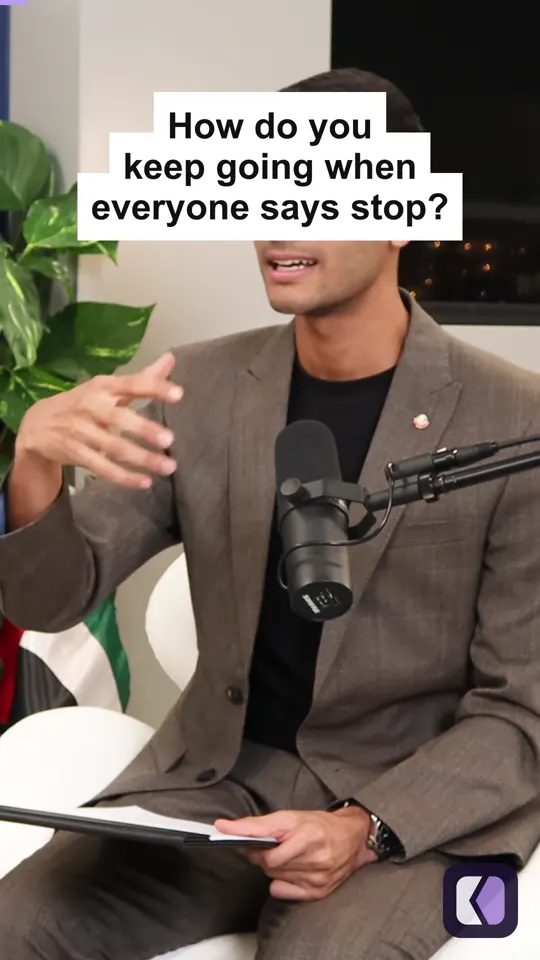
Your brand
From your brand kit, on every clip: the hook line, your logo, a progress bar and B-roll.
How it works
The same four steps the app shows across its top. Every moment Kime picks stays yours to keep, trim or throw away.
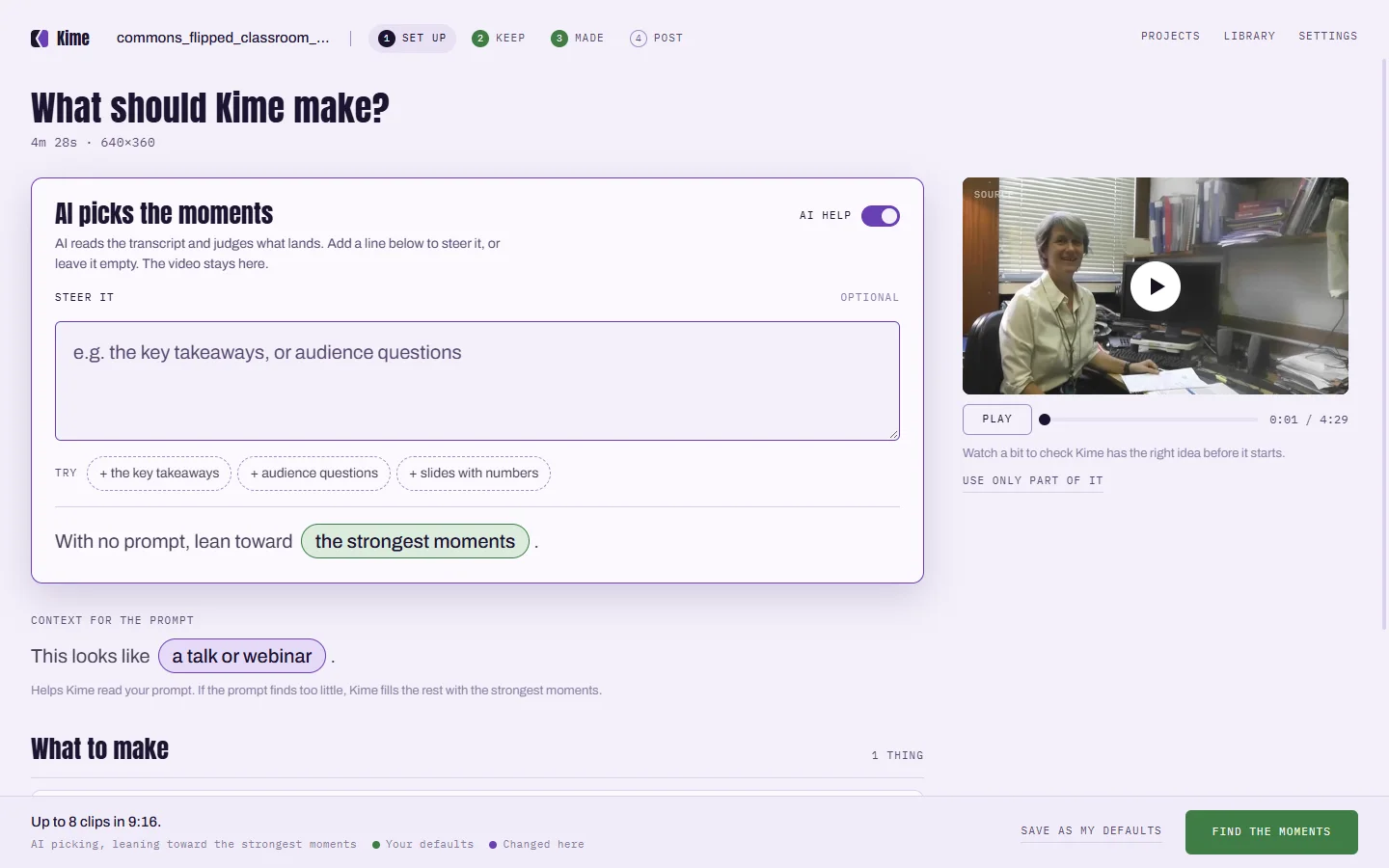
Drop in the episode and choose Clips. Steer it with a line if you like: "the funniest stories".
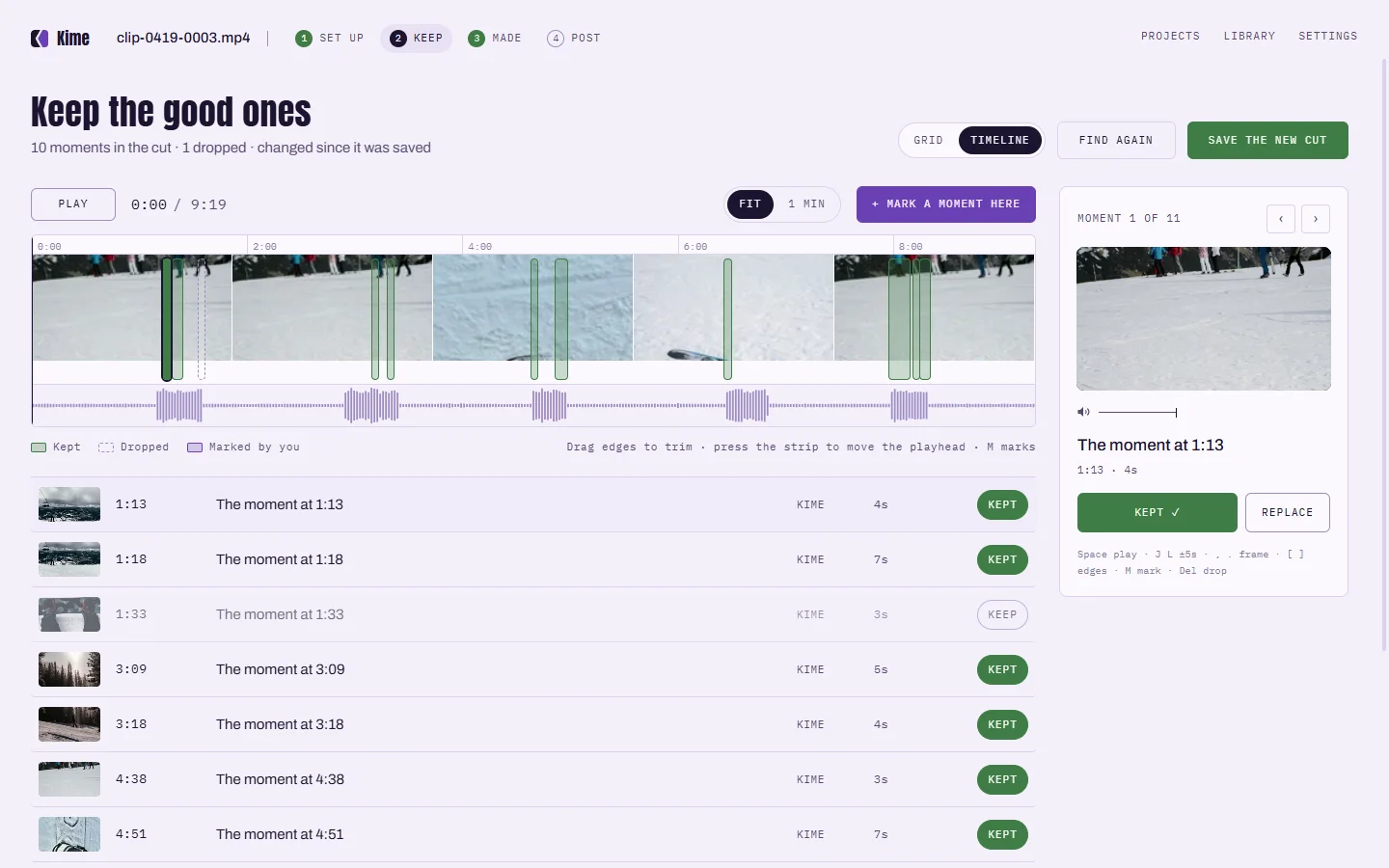
Every clip Kime picked, on the episode's timeline. Keep it, trim it by the words, or drop it.
Pick the captions, the crop and your brand kit. Each clip saves with its .srt beside it.
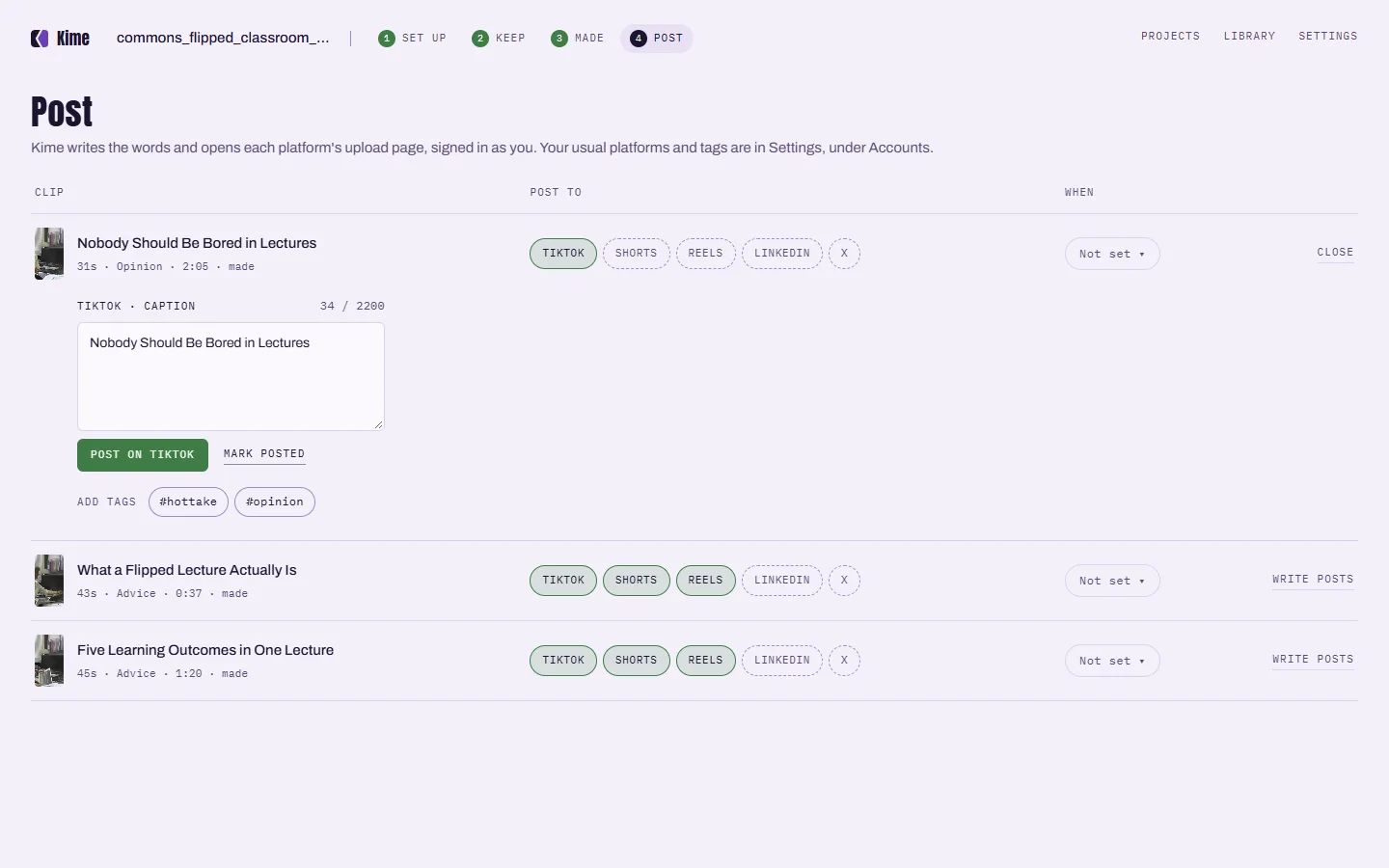
Kime writes the words for each platform and posts, or sends it to TikTok as a draft.
On your computer
Kime finds the moments itself, on your own computer. No upload, no queue, no account and no credits counted per minute. It works on a plane. Turn the AI on for a file and it sees the words Kime heard and a few small snapshots, never your audio or your video.
Drop the episode into Kime and choose Clips on Set up. Kime finds the stretches that stand on their own and makes each one a captioned clip in 9:16, 1:1 or 16:9. Keep, trim or drop each one, then post it.
Kime works from video files: MP4, MOV, MKV and INSV. For an audio-only episode, export it as a video with your cover art first.
No. Your video stays on your computer. If you turn on Kime AI for a file, Kime sends the words it heard and a few small snapshots to the AI, never the audio or the video.
Kime writes the words for each platform and can post to YouTube, Instagram, a Facebook Page and LinkedIn once you connect them, or send a clip to TikTok as a draft, straight from your computer.
Nothing is uploaded, so there is no upload to wait for, no file-size cap and no credits counted per minute. Your clips have no watermark, never expire and stay yours if you stop paying.
Yes. Finding clips, captions, the editor and your brand kit are free on your computer. Kime AI is an optional monthly subscription for when you want the AI to choose and write.
Kime is in private testing on Windows and Mac. Everything it does on your computer is free, and your video stays there.
One email when it ships. Nothing else, and no list to unsubscribe from.