Free clip maker· Windows and Mac

One long video in. A week of clips out.

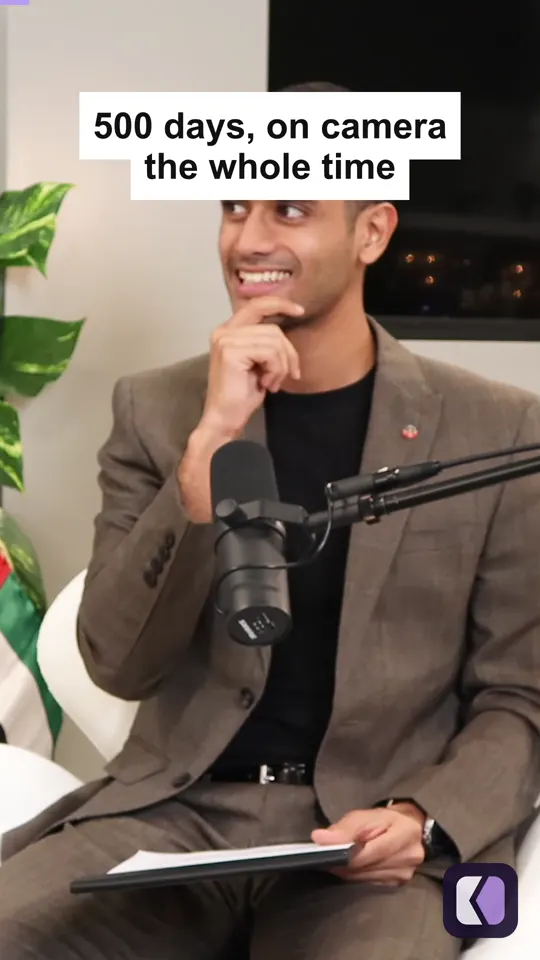
A podcast, a stream, a talk or an interview. Kime finds the stretches that stand on their own and makes each one a clip: captions word by word, a hook over the opening, the crop following whoever is talking. Then it posts them, or with Kime AI adds your logo and schedules the week.

  • Clips in9:16 · 1:1 · 16:9
  • Each oneunder 30, 60 or 90s
  • Captionsword by word + .srt
rotary in action · 27:29 · 8 clips3Made
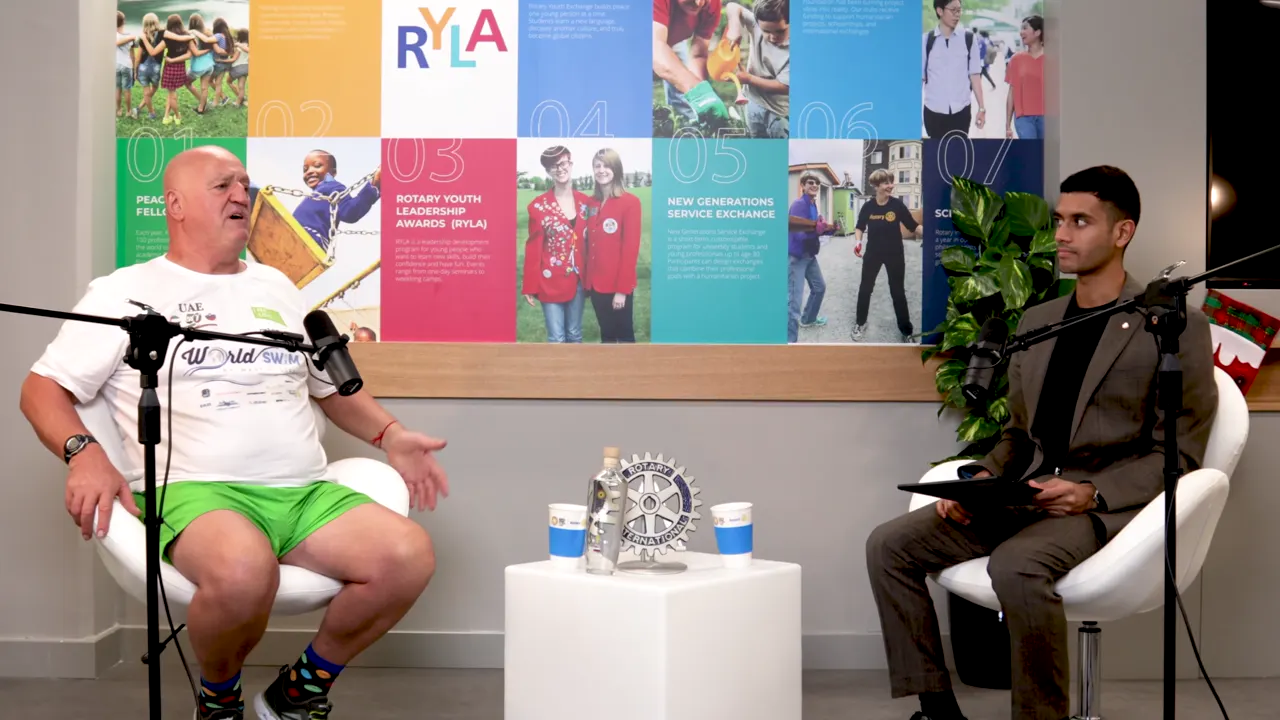
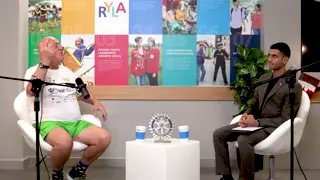
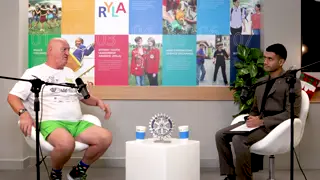
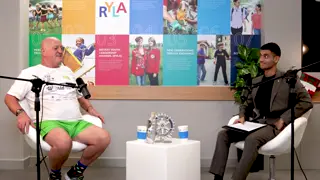
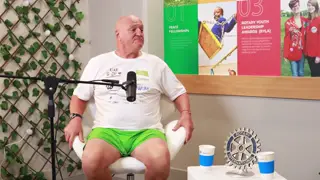
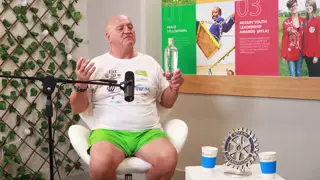
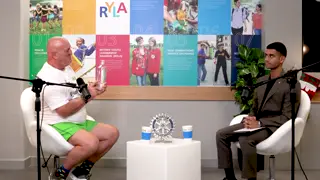
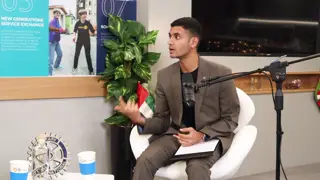
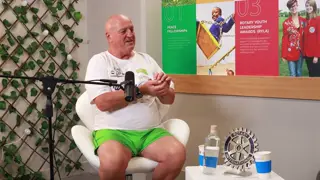
The Rotary in Action podcast set: host and guest in white chairs, with microphones on arms.

How it works

See how easy it is

Watch Kime turn a 27-minute podcast into clips: one sentence, a couple of minutes, a few keys, and the week is planned.

Kime Rotary in Action
27:29 · 1080p · Stays on this computer

Find the strongest moments in this podcast and make 108 clips under 30s.

Find the momentsAbout 2 minutes.
In · Rotary in Action, Martin Strel · 27:298 clips picked · AI off
Out8 clips · 9:16Captions word by word.srt beside each

How it finds a clip

It hears every word, then picks the ones worth posting

A clip has to make sense on its own: a start, a point and an end. Here is how Kime finds those, and where Kime AI comes in.

27:29 of words, on this computer
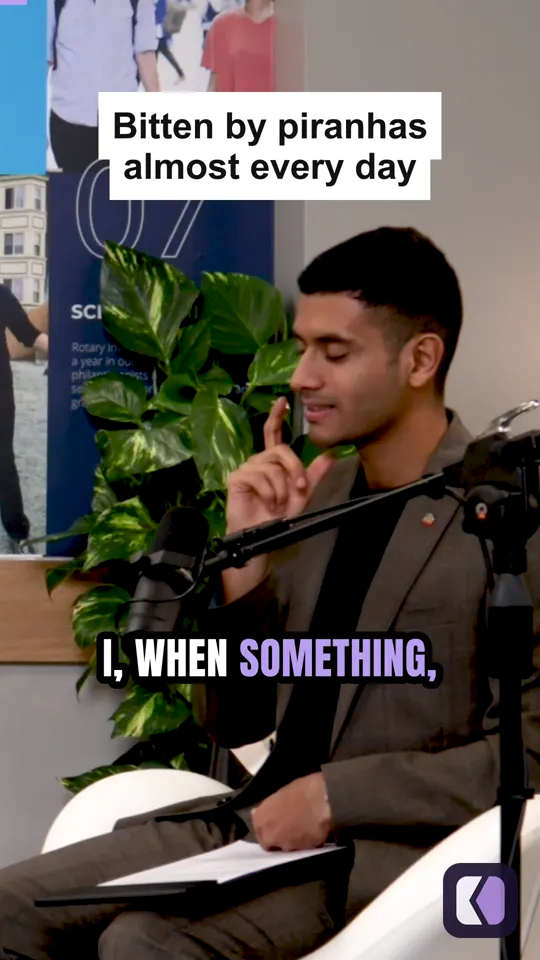
06:12  You know, when I, when something,
06:14  you have to push through it.
06:17  Every day in the river,
06:19  bitten by piranhas almost every day.

1 · Every word, timed

It writes down what was said

Kime listens to the whole video on your computer and writes down every word with its time. The captions, the trims and the picks all start from that.
2 · Moments that stand alone

Kime AI reads it like an editor

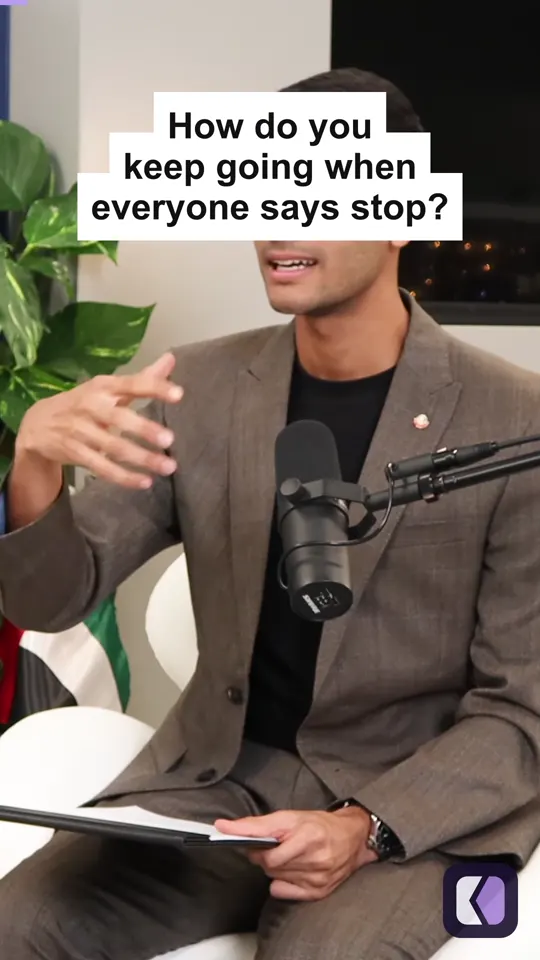
With Kime AI on, the AI reads what was said and picks the stretches with a point: the story, the answer, the line people will share. It sees the words and a few small snapshots, never your audio or video.

Ask in plain words
“the key takeaways”
“the funniest stories”
“every time we talk pricing”

3 · Ask for it

Say what you want back

With Kime AI, steer the picks with a line, and it looks for that.

4 · The hook

A first line that stops the scroll

Kime AI writes a hook for the opening and a title for each clip. You can rewrite either.

Without AI

Free, and on your computer

With the AI off, Kime still makes clips, picked from how the video looks and sounds. For talk, the AI's picks are much better; for action footage, the free picks shine.

What comes out

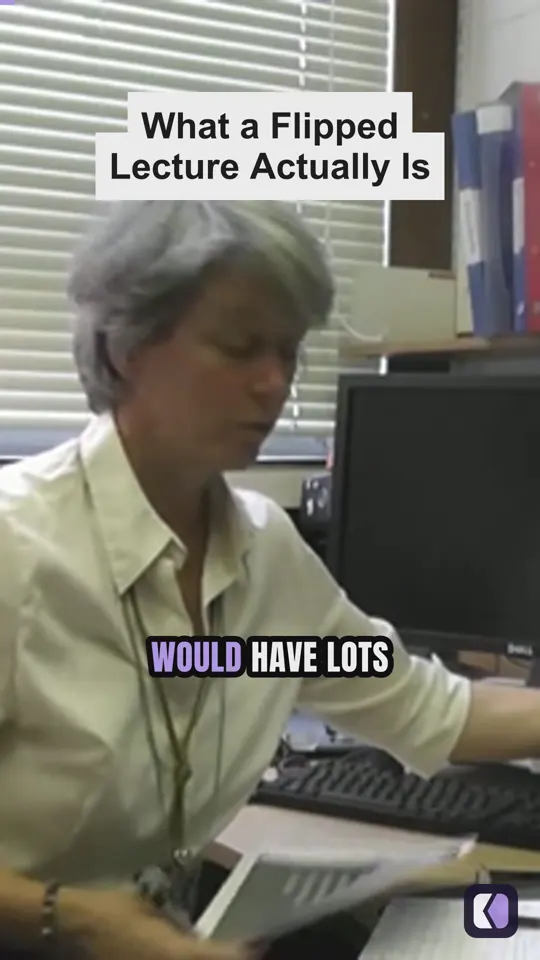
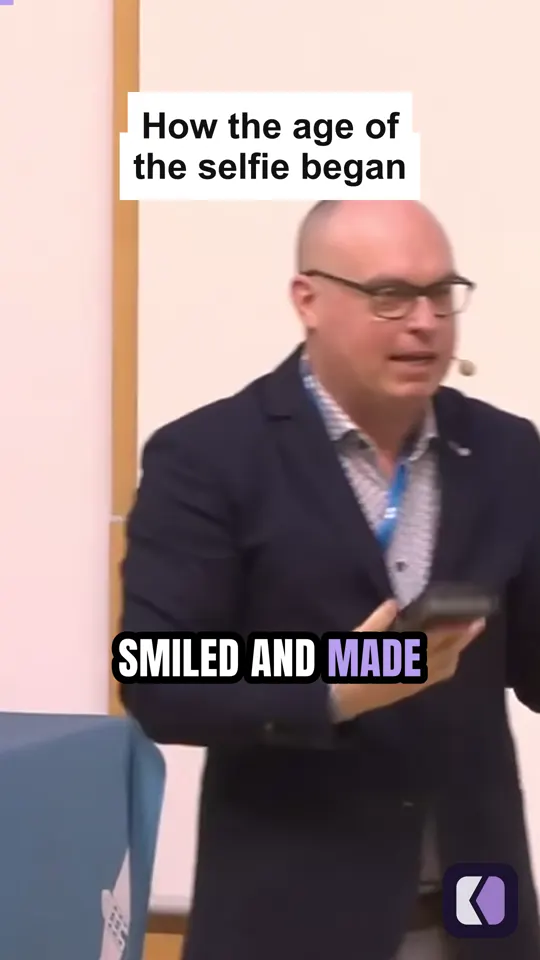
Captioned, cropped and ready to post

Every clip comes out finished, and every part of it stays yours to change.

Captions

Word by word, in your colour

Five caption styles, four sizes and your highlight colour. The word being said lights up as it is said.

Reframe

A crop that follows the speaker

Kime keeps whoever is talking in a 9:16 frame, or holds a fixed centre, or shows the whole shot over a blur.

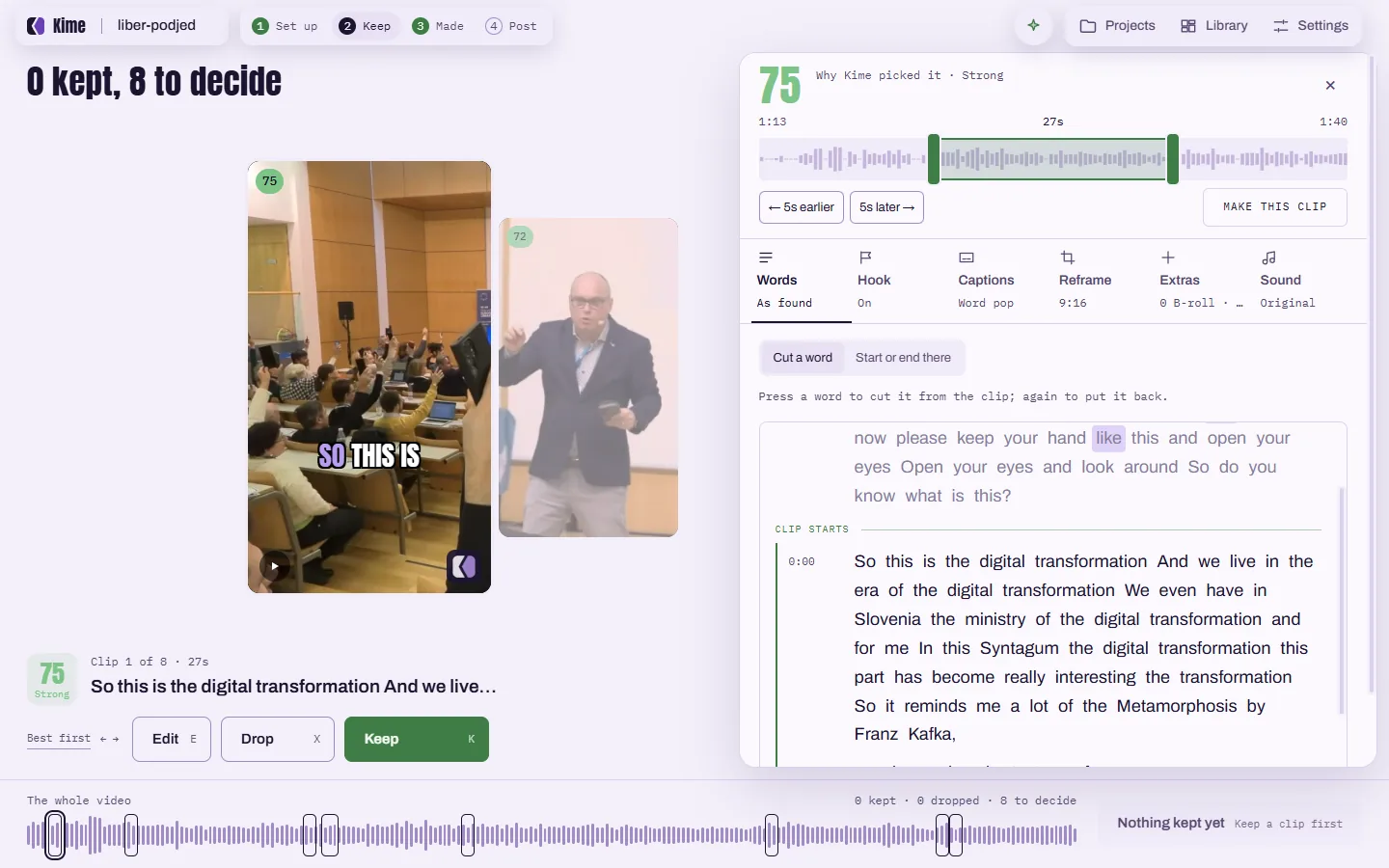
Trim by the words

Tap a word to cut there

The editor shows what was said. Start or end a clip on any word, without scrubbing.

Your brand

Logo, colours, progress bar

Set your brand kit once and it's on every clip: your colours, a progress bar, music, and with Kime AI your logo.

06 Bitten by piranhas almost every day.srt
1
00:00:00,000 --> 00:00:00,800
You know, when

Caption files

An .srt beside every clip

The words of each clip, timed, for YouTube or anywhere else that takes captions.

Free or Kime AI

Three clips a video are free. Kime AI makes the rest.

Three clips from every video are free, with captions and no watermark. Kime AI makes every clip, puts your brand on them, plans the week, and has the AI choose the moments from what was said and write the words. Your video never uploads either way. See pricing →

Captions and crop
free
Trim by the words
free
Post now
free
Every clip, logo, plan the week
Kime AI
Picks from what was said
Kime AI
Hooks, titles, post words
Kime AI

FAQ

Questions

Anything else, ask: one person reads hello@kime.video.

hello@kime.video →
  • It writes down every word of the video, with its time, on your computer. With Kime AI on, the AI reads what was said and picks the stretches that make sense on their own. With it off, Kime picks from how the video looks and sounds.

  • No. Three clips from every video, with captions, the crop and posting, are free. The Kime AI plan makes every clip, adds your logo and brand kit, and brings the AI: it picks from what was said, takes asks in plain words, and writes hooks, titles and post words. For talk, its picks are much better.

  • You choose: under 30, 60 or 90 seconds, in 9:16, 1:1 or 16:9. Trim any clip by its words afterwards.

  • No. Your video stays on your computer. If you turn on Kime AI for a file, Kime sends the words it heard and a few small snapshots to the AI, never the audio or the video.

  • Kime can post to YouTube, Instagram, a Facebook Page and LinkedIn once you connect them, or send a clip to TikTok as a draft, straight from your computer. With Kime AI, plan a week of clips at once.

  • No. Clips are saved as ordinary video files on your computer, with an .srt beside each. They never expire and stay yours if you stop paying.

Free download

Free, on your computer

Kime is out for Windows and Mac. Three clips from every video are free, and your video stays there. New to Kime AI? Your first 30 credits are free.

Version 0.3.6 · Windows 10 or 11 · macOS 14 or later (Intel Macs 13.4)