




















1 · Every file, in order
A card of clips read as one day
Drop in a folder or a whole card. Kime puts the files in the order they were filmed and reads them where they sit, without copying or changing them.
Free highlight video maker· Windows and Mac
A trip, a match, a morning in the surf. Kime watches every file for movement, faces, sound and light, keeps the moments worth keeping, cuts them together in the order they happened and pulls the best frames as full-resolution stills. No timeline, no scrubbing, and no AI needed.
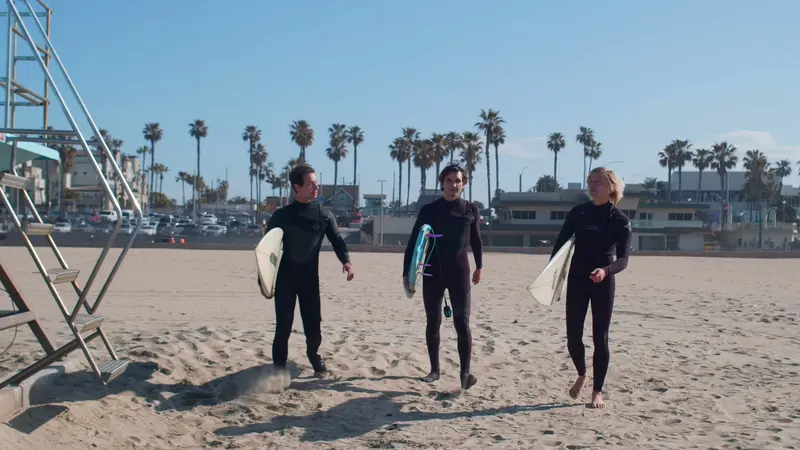



How it works
Watch Kime make a highlight from a morning of surf footage: one sentence, a couple of minutes, and a few keys.
Find the best moments in this surf video and make a 1m45s highlight cut and 8 stills.

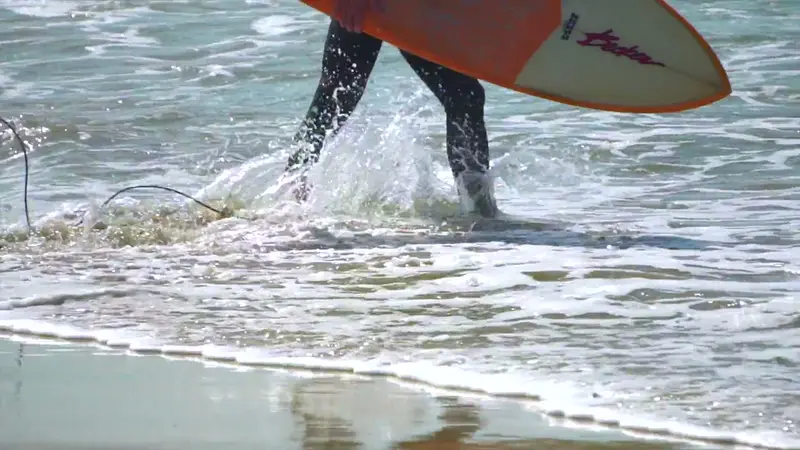
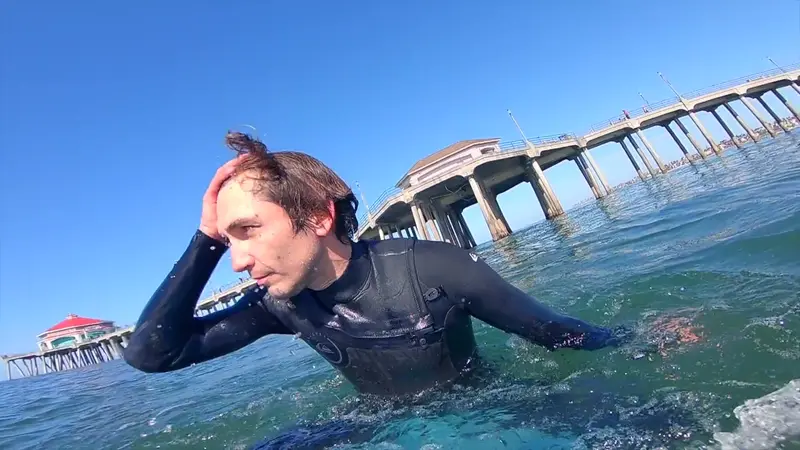 8 stills · full resolution
Saved in Videos › Kime › Surf morning
How it picks
Kime goes through every second of every file on your computer. Nothing is uploaded, and none of it needs AI: this is how the free app picks.
1 · Every file, in order
Drop in a folder or a whole card. Kime puts the files in the order they were filmed and reads them where they sit, without copying or changing them.

2 · What it looks for
A wave breaking, a goal and the cheer after it, a face turning to the camera, the light coming over a ridge. Most clipping tools only listen for speech; Kime watches the picture too.




3 · A spread
It spreads its picks across the day, so the cut tells the whole story rather than its loudest five minutes.
Pace · each moment about
Snappy     ~1s
Standard   ~5s
Long       ~10s
Extended   ~30s
4 · Your length
30 seconds, a minute, a minute and a half or three, at the pace you pick: quick cuts or longer stretches.

5 · Stills
6, 12 or 24 stills at the camera's own resolution, not screenshots of a preview.
Make it yours
The first cut needs nothing from you. When you want a say, it takes a click, not an edit.
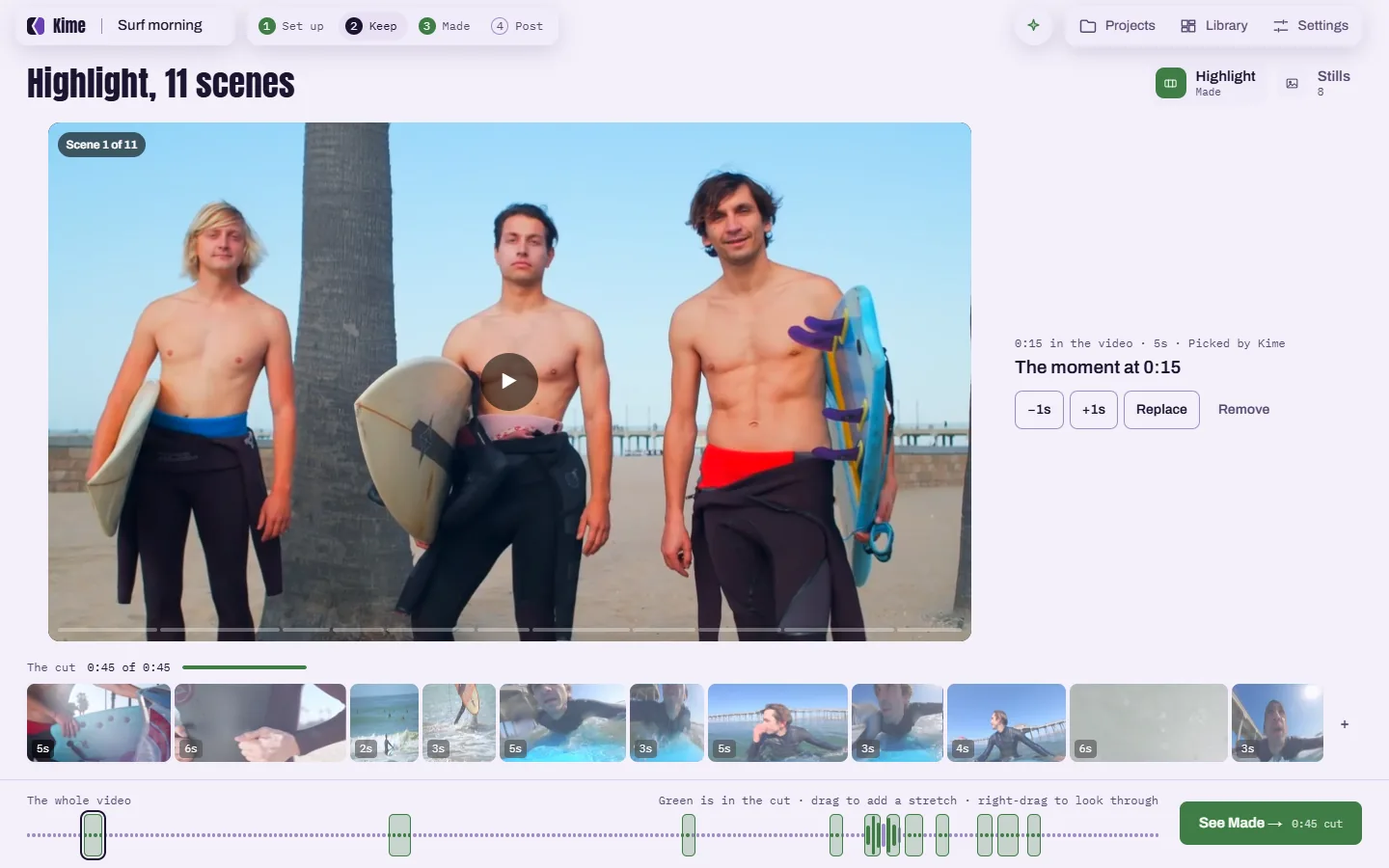
Keep, trim, drop
Each moment sits on the video's timeline. Keep it, drag its ends, or drop it, and the cut is made again from what you kept.
Featuring
Pick a person, or the dog, from the faces Kime found, and the cut is made from their moments.
Sound
Original  the camera's own
Music     tracks free to use,
          in the app
Joins     cuts or fades
Music
Tracks you're free to post come with the app, or keep the sound of the day.
Clips too
Ask for clips as well, and the best moments come out as 9:16, 1:1 or 16:9 for Reels, Shorts or TikTok. How clips work →
surf morning/
├─ Highlight cut/
│  └─ surf morning.mp4   0:45
├─ Stills/
│  └─ … 8 stills
└─ Clips/
One folder
The cut, the stills and any clips land in a folder of the video's own, with no watermark.
On your computer
Highlight videos are made entirely on your own computer, free. No upload, no queue, no account, no limit on how long the footage is. It works on a plane.
It watches every file from start to finish on your computer and scores each second on movement, faces, sound and light. Then it picks the strongest moments, spreads them across the day so one stretch does not take over, and cuts them to your pace.
You choose: 30 seconds, 1 minute, 1 minute 30 or 3 minutes, with a pace from Snappy (about a second a shot) to Extended (about 30 seconds a moment). Kime can also save 6, 12 or 24 stills from the best frames.
Yes. Every moment Kime picked is on the timeline: keep it, trim it or drop it, and Kime fills the gap. Pick a person or a dog with Featuring and the cut is built around their moments.
No. Picking from movement, faces, sound and light is free and runs on your computer. Kime AI is optional, and helps most when people are talking or when you want to ask for something in plain words.
No. Your video stays on your computer. If you turn on Kime AI for a file, Kime sends the words it heard and a few small snapshots to the AI, never the audio or the video.
MP4, MOV, MKV and INSV: phones, GoPro, DJI and Insta360 footage, many files at once. Drop a whole folder in and Kime reads it in order.
Kime is out for Windows and Mac. Highlight videos and stills are free, and your footage stays there.
Version 0.3.6 · Windows 10 or 11 · macOS 14 or later (Intel Macs 13.4)