Choose Kime if
- You want clips and highlight cuts from long video without uploading it
- You'd rather keep every right to your footage
- You film action as well as talk, and want stills too
- You don't want to work out which features need a paid plan
Compare · checked 19 November 2026
CapCut is a full editor, with a long-video-to-shorts tool among many. Kime does one job: it finds the moments worth keeping in long video and makes clips and highlight cuts, free, on your own computer.

At a glance
Never uploaded
Long video becomes clips on your own computer.
CapCutLong video to shorts runs after upload
Your footage stays yours
No licence to your video, ever.
CapCutA broad licence in its global terms
No watermark, no Pro gate
Nothing Kime makes is stamped, free or paid.
CapCutExports with Pro features need Pro
Highlight cuts + stills
From action footage as well as talk.
CapCutClipping and editing tools instead
Side by side
What each one does with your video, what it costs, and what it keeps. CapCut's side is taken from its own site, help centre, terms and App Store listing.
| What | Kime | CapCut |
|---|---|---|
| Where it runs | Kime has the edgeOn your computerOn your computer. Your video is never uploaded. | Apps, with shorts made onlineDesktop apps for Windows and Mac, a web editor, and iOS and Android apps. Its long-video-to-shorts tool runs in the web editor after you upload the file. |
| Price | Kime has the edgeFree, then US$12 a monthFree for highlights, stills and three clips from each video. The Kime AI plan is US$12 a month, tax included. | Free, then $9.99 to $19.99 a monthFree, with paid plans. In the US App Store: Standard $9.99 a month and Pro $19.99 a month; CapCut's site also lists an Ultra plan above Pro. CapCut says prices vary and show after sign-in. |
| Finding the moments | EvenPicks them itself, freeFree from movement, faces, sound and light. With Kime AI, from what was said too. | EvenScene detectionLong video to shorts, using scene detection; CapCut says a free entry point is available and to check availability in the editor. |
| Captions | EvenWord by word, + .srtWord by word, five styles, with an .srt beside every clip, free. | EvenAuto captionsAuto captions. CapCut says exporting content that includes Pro features needs Pro. |
| Watermark | Kime has the edgeNoneNone. | Removed on ProPro removes watermarks; CapCut says a watermark usually comes from a default ending clip or template element. |
| Cloud storage | EvenNone neededNone needed: everything stays in a folder on your computer. | Even0GB free, 1TB paidNew free cloud spaces get 0GB; paid plans include 1TB. |
| Highlight cuts from action | Kime has the edgeYes, with stillsYes, with stills, from movement, faces, sound and light. | Not describedCapCut's pages compared here describe clipping and editing tools rather than highlight cuts. |
| Your content | Kime has the edgeYoursYours. Your video is never sent anywhere; with Kime AI on, only the words it heard and a few small snapshots go to the AI. | A broad licenceCapCut's global terms grant it a "non-exclusive, royalty-free, transferable, sub-licensable, perpetual and worldwide" licence to content you submit. US users have separate terms, and the clause doesn't apply in the EU and UK. |
| Available | EvenNowNow, on Windows and Mac. | EvenNowNow, on computers, phones and the web. |
Nothing here under that filter.
Who has the edge on each row is our call, made from each side's own pages. Turn on the detail to see exactly what each one says.
Sources, checked 19 November 2026: long video to shorts, capcut.com/pricing, CapCut's help centre on CapCut Pro, Pro prompts, watermarks and cloud storage, the terms of service (section 10) and the App Store listing. Prices are in US dollars from the US App Store; CapCut shows other prices in other countries.
Which one fits
Choose Kime if
Choose CapCut if
Made by Kime
Every clip and cut here came out of Kime, from openly licensed footage.
Podcast
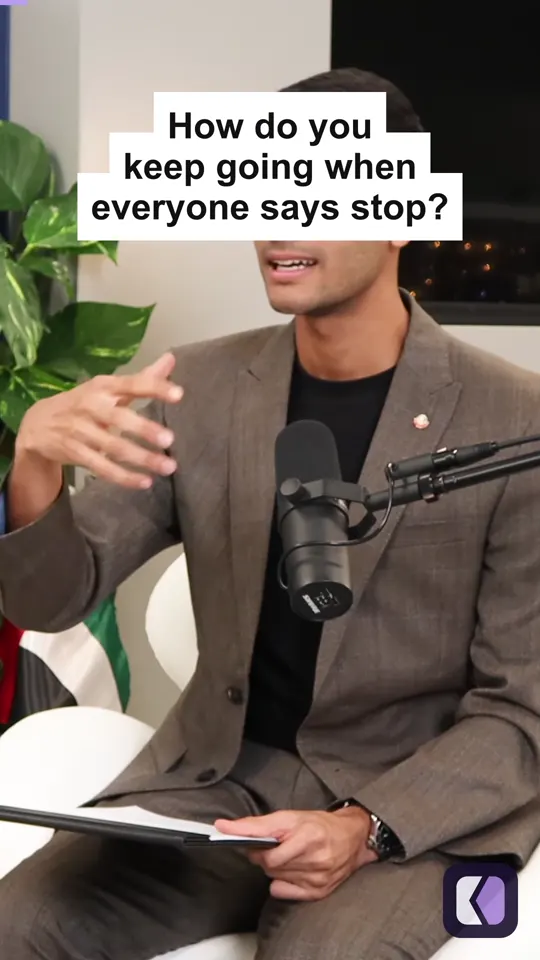
8 clips from a 27:29 episode, cropped to the speaker, with word-by-word captions.
Talk
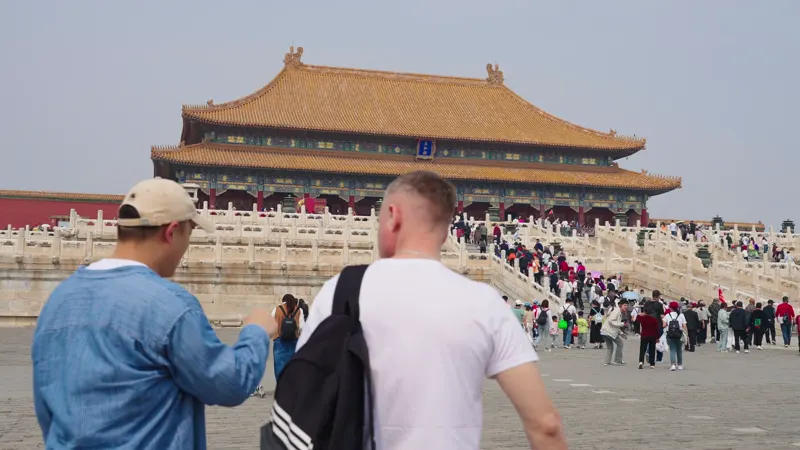
8 clips from a 59:18 keynote, following the speaker across the stage.
On your computer
Kime finds the moments itself, on your own computer. No upload, no queue, no account, and nothing counted for what runs on your computer. It works on a plane. Turn the AI on for a file and it sees the words Kime heard and a few small snapshots, never your audio or your video.
For turning long video into clips and highlight cuts, yes. Kime does that one job on your own computer, free, without uploading your video. CapCut is a wider editor.
No. Your video stays on your computer. If you turn on Kime AI for a file, Kime sends the words it heard and a few small snapshots to the AI, never the audio or the video.
No. What you make with Kime is saved in a folder on your computer and stays yours.
Yes, to start. Highlight cuts, stills, captions, the editor and three clips from each video are free. The Kime AI plan, US$12 a month, tax included, makes every clip and adds the AI.
Yes. Kime is out for Windows and Mac, free to download from kime.video. Highlights and three clips from each video are free; the Kime AI plan makes every clip and adds the AI.
Kime is out for Windows and Mac. It's free to download, and your video stays there.
Version 0.3.6 · Windows 10 or 11 · macOS 14 or later (Intel Macs 13.4)