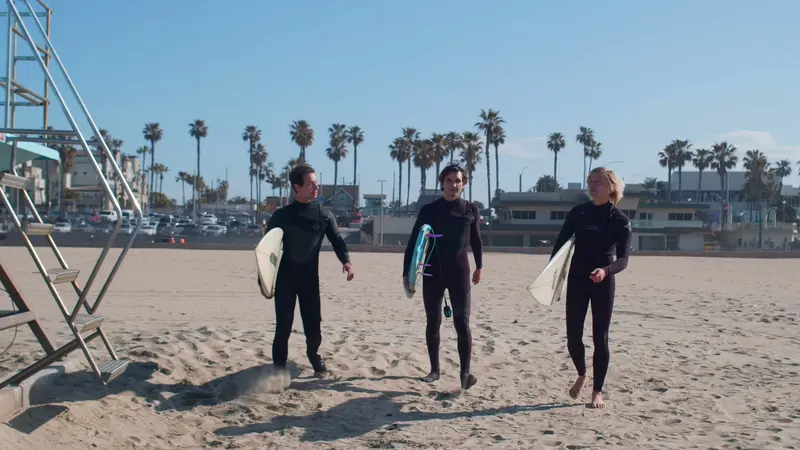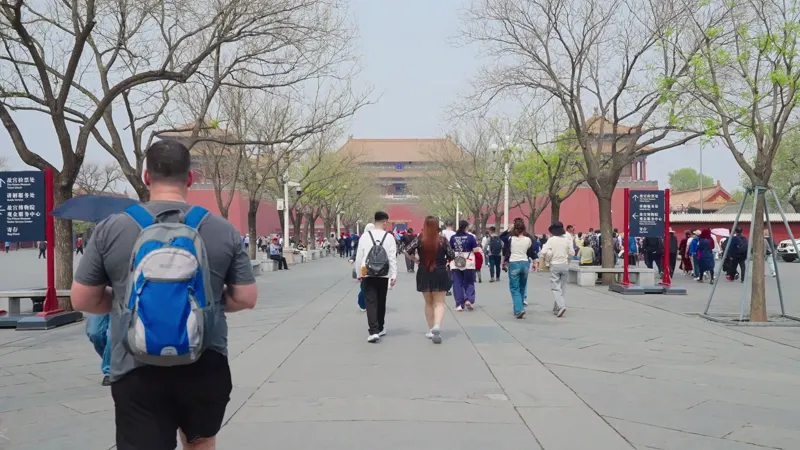
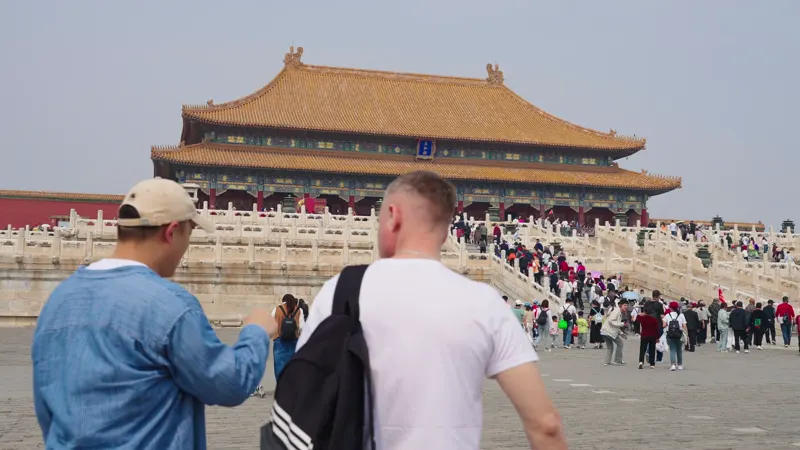
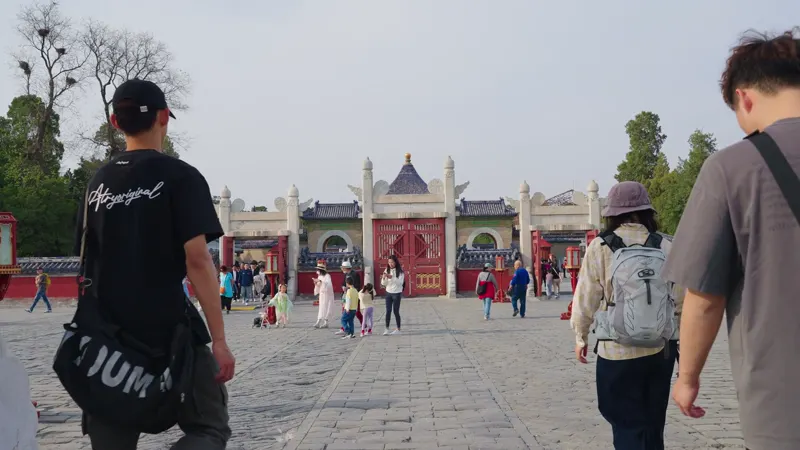

Stills
Photos you didn't stop to take
The best frames from the video, pulled at the camera's own resolution: the view, the building, the people you were with.
For travel & holiday video
A week of phone clips and GoPro files you'll never sit through again. Drop them all in. Kime watches every one, keeps the moments worth keeping, cuts them together in the order you filmed them and pulls the stills. Your video never leaves your computer.
What comes out
From the card or the phone to a cut worth sharing, and stills worth keeping.
Stills
The best frames from the video, pulled at the camera's own resolution: the view, the building, the people you were with.



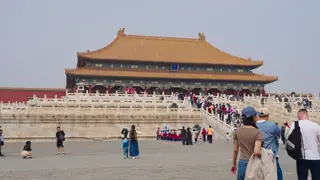
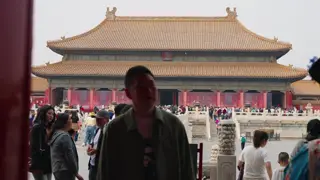





The whole trip
Nine short clips from one day become one video, in the order they were filmed. Drop in a week if you like.
beijing trip/
├─ Highlight cut/
│  └─ beijing trip.mp4   0:40
├─ Stills/
│  ├─ still-01.jpg   1920×1080
│  └─ … 8 stills
└─ Clips/
One folder
The cut and the stills land in a folder of their own, ready for the family chat or the photo album.
Clips too
The same moments as 9:16, 1:1 or 16:9 clips for Reels, Shorts or TikTok.
Watches the picture
Kime watches for movement, faces, sound and light, so the temple and the crowd make the cut as well as the bits to camera.
How it works
The same four steps the app shows across its top. Every moment Kime picks stays yours to keep, trim or throw away.
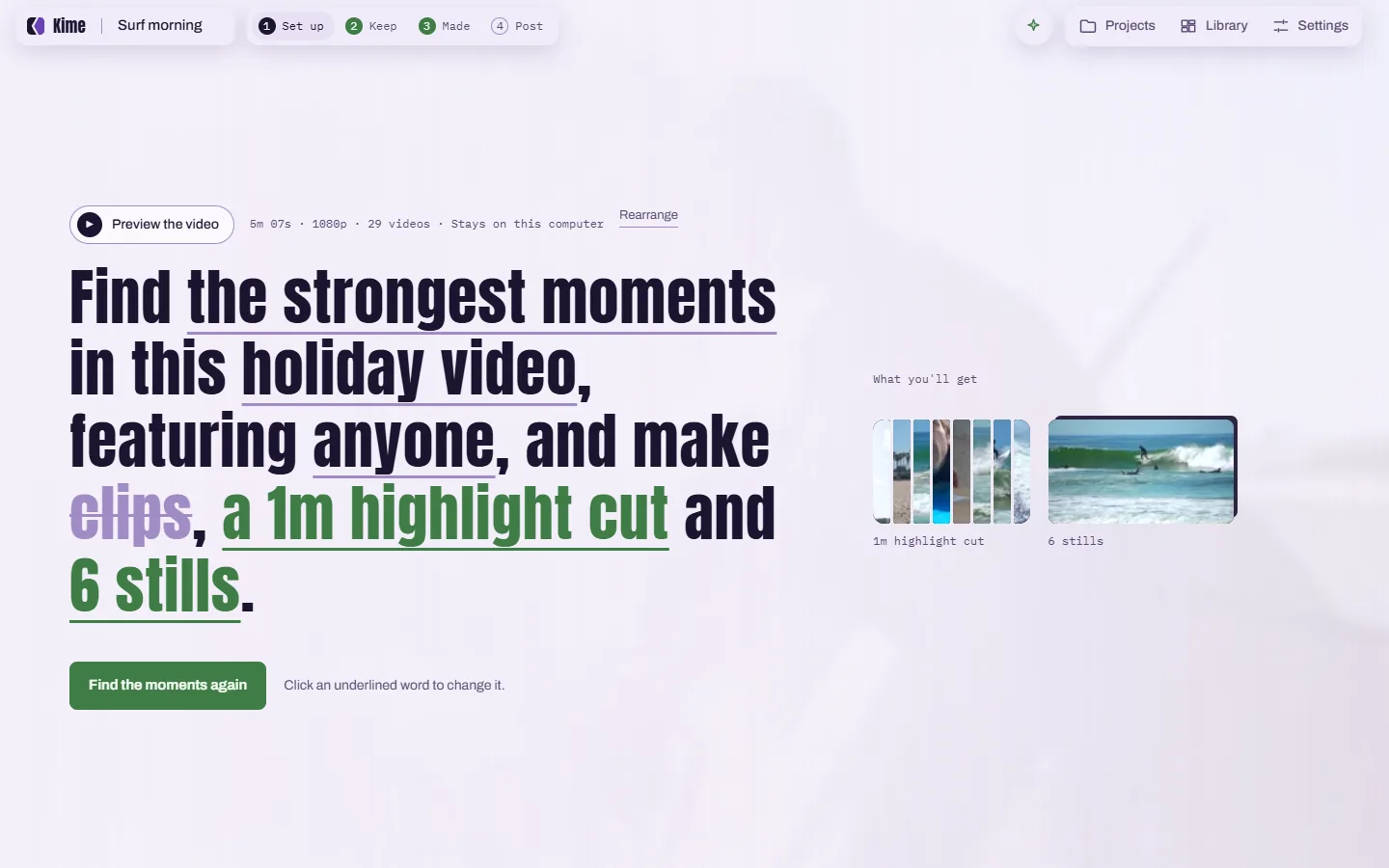
Drop in a day or a whole trip. Choose a highlight cut, stills, clips, or all of them.
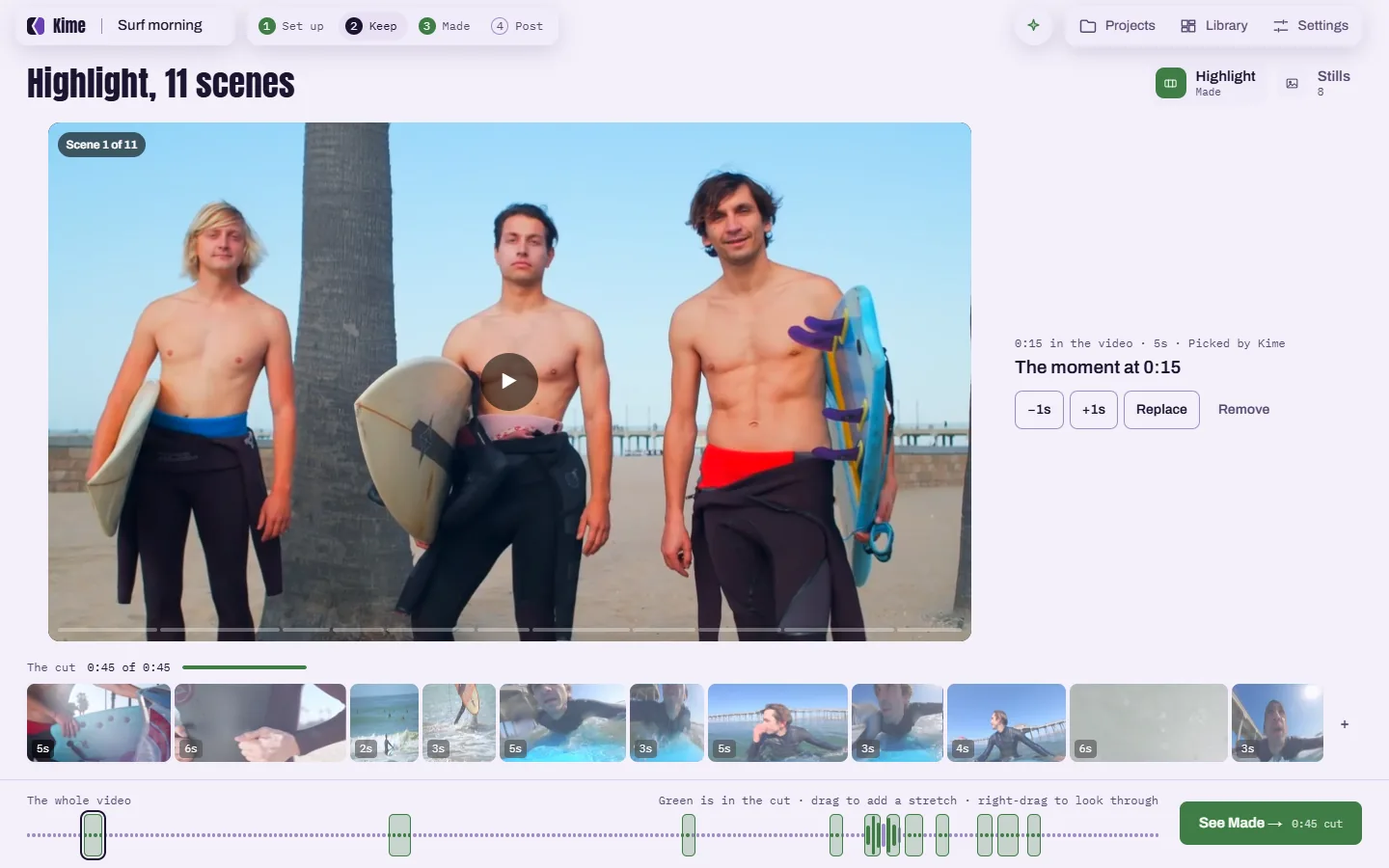
Every moment Kime picked, on the trip's timeline. Keep it, trim it, drop it, or mark your own.
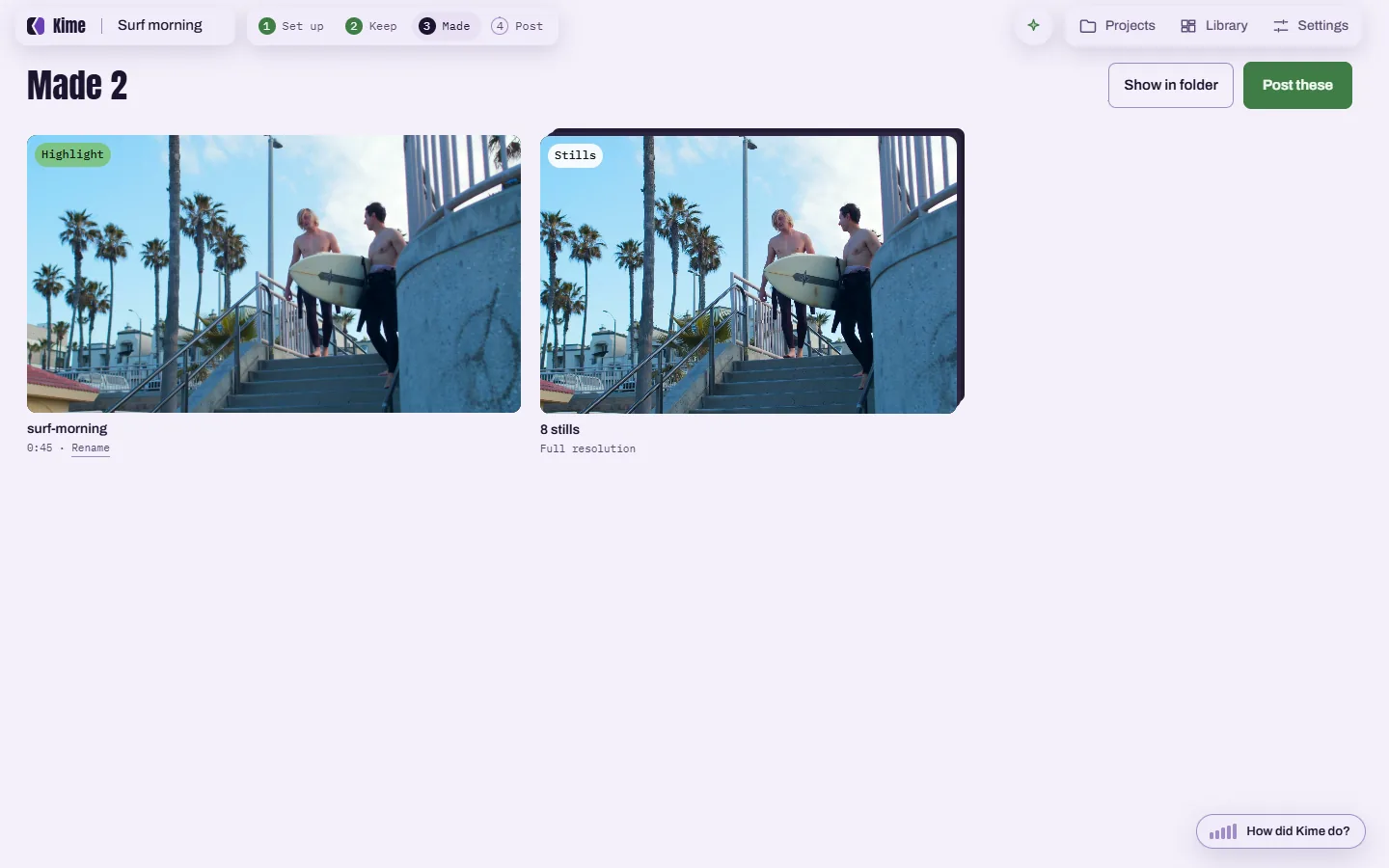
The cut and the stills, in one folder. A 48-minute file takes about four minutes on a recent Mac.
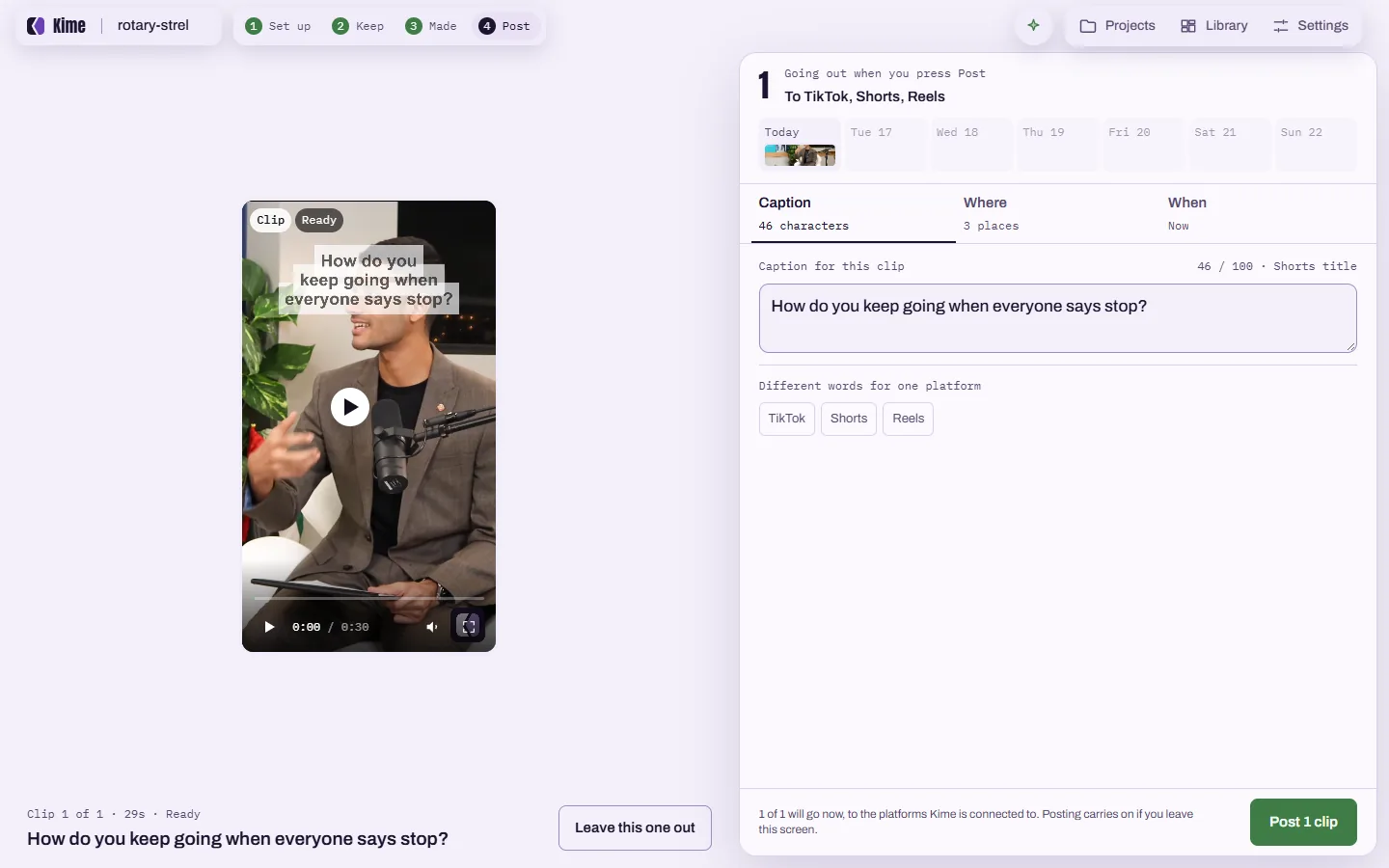
Kime writes the words for each platform and opens its upload page, signed in as you.
On your computer
Kime finds the moments itself, on your own computer. No upload, no queue, no account, and nothing counted for what runs on your computer. It works on a plane. Turn the AI on for a file and it sees the words Kime heard and a few small snapshots, never your audio or your video.
Drop every clip from the trip into Kime and choose a highlight cut on Set up. Kime reads them in the order they were filmed, finds the moments worth keeping and cuts them together. Keep, trim or drop any of them, then save.
Yes. Kime reads MP4, MOV, MKV and INSV files, including H.264, HEVC and ProRes, which covers phones, GoPro, Insta360 and most DJI cameras and drones.
There is no cap. Kime reads the files where they sit on your computer, so a long trip just takes longer to go through. A 48-minute file takes about four minutes on a recent Mac.
Yes. Kime pulls stills from the moments it keeps, at the camera's own resolution.
No. Your video stays on your computer. Kime finds the moments and makes the cut on your own computer, with no upload and no account.
Yes. Highlight cuts, stills, the editor and three clips from each video are free, with no watermark. The Kime AI plan makes every clip and adds the AI.
Kime is out for Windows and Mac. It's free to download, and your video stays there.
Version 0.3.6 · Windows 10 or 11 · macOS 14 or later (Intel Macs 13.4)